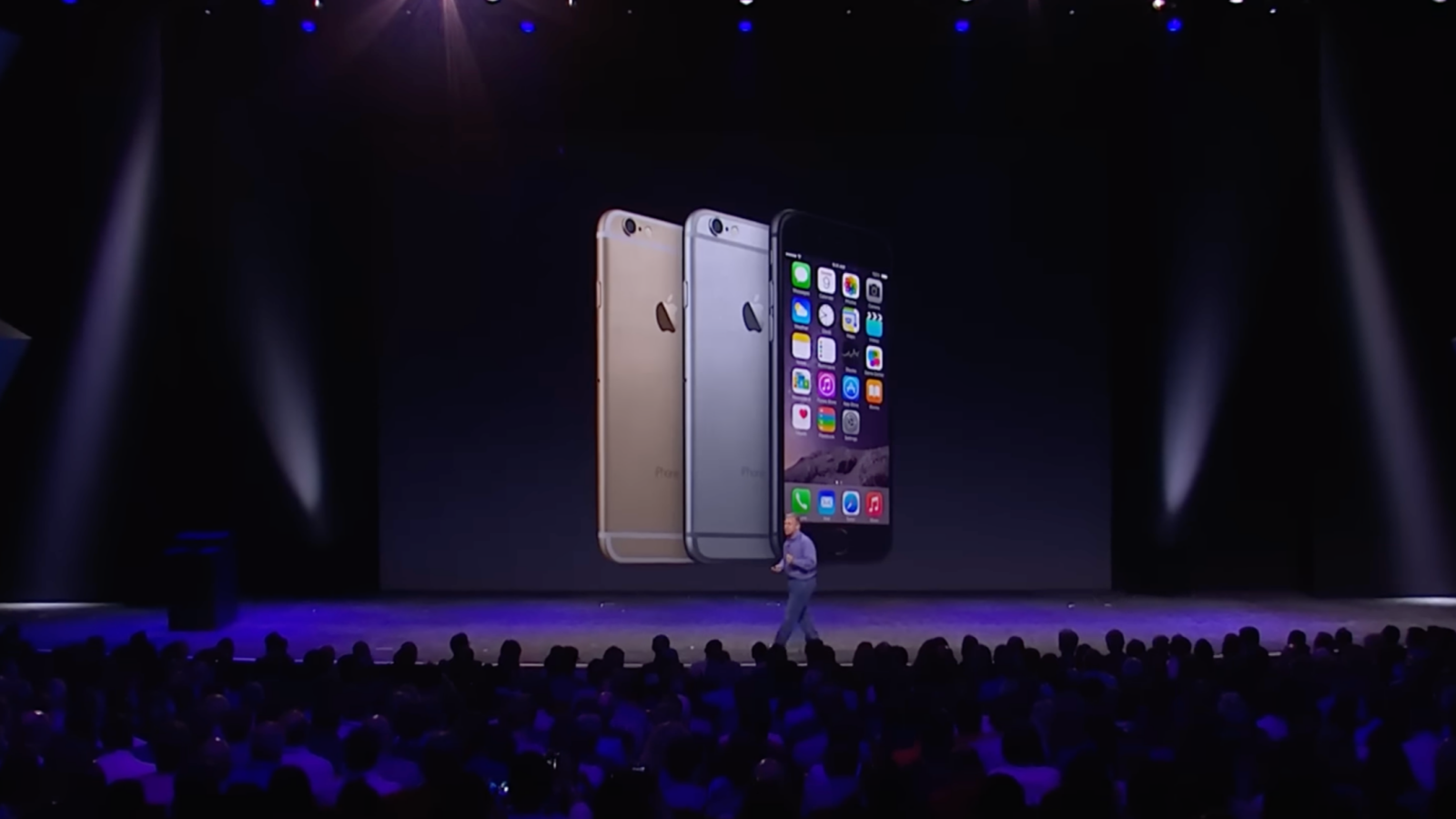
Apple released a crucial update for older devices on Monday. The update, titled Apple iOS 12 update, ensures that FaceTime and iMessage continue to work on legacy devices that don’t support newer versions of iOS and iPadOS. The new update allows iPhone 5s, iPhone 6, iPhone 6 Plus, iPad Air, iPad mini 2, iPad mini 3, and the iPod touch (6th generation) to continue functioning with these critical services. Users can install iOS 12.5.8 or iPadOS 12.5.8 by navigating to Settings > General > Software Update.
Apple’s support documentation confirms that this update extends the certificates required for services like iMessage and FaceTime to remain active beyond January 2027. This extension ensures these services will continue to work on older hardware without disruption.
Apple’s extended support for legacy devices
Typically, Apple provides five years of software updates from the launch of its devices. After that period, the company usually halts support for older models. However, Apple has occasionally released updates to address security vulnerabilities in older devices. The Apple iOS 12 update is an example of this, ensuring users can still use core services even on devices launched years ago.
The iPhone 5s, for example, debuted in 2013 with iOS 7 and has received sporadic updates since. Its last update was in January 2023. The new update released this week ensures that iPhone 5s owners and other legacy device users can continue using FaceTime and iMessage without worrying about service interruptions.
Available updates for other iPhone models
Alongside the Apple iOS 12 update, Apple also released updates for newer devices. iPhone 6s, iPhone 7, and iPhone SE (1st gen) users can install iOS 15.8.6, while iPhone 8, 8 Plus, and iPhone X users can download iOS 16.7.13. iPhone XS, XS Max, and XR owners can install iOS 18.7.4, keeping their devices updated with the latest security patches.
Though these devices are still receiving updates, Apple iOS 12 update targets those with older hardware that would otherwise have lost support by 2027.
Why updating is important
The update addresses critical certificates required for key features like FaceTime and iMessage. Without this update, users may face disruptions in service after January 2027. The extension of these certificates is vital to maintaining connectivity for users who rely on older devices.
While the update does not introduce new features, it ensures continued access to services that millions of users still rely on. This includes users who may not be able to afford or upgrade to newer devices.
Read Also
Microsoft issues second emergency update for Windows
Bitlocker encryption keys guide explained
Windows 11 improvements and roadmap in 2026
What to do next
To install the Apple iOS 12 update, simply go to Settings, tap General, and choose Software Update. For users of legacy devices, it is recommended to back up their data before updating. This ensures that important files are protected during the process. Though the update does not add new features, it guarantees that users can continue to use iMessage and FaceTime without interruptions.
Maintaining connectivity on older devices is becoming a priority for many users. This update shows that Apple is still committed to providing long-term support for its customers, even after the typical lifecycle ends. For anyone still using legacy devices, this is a timely reminder to update and keep their devices in working condition.