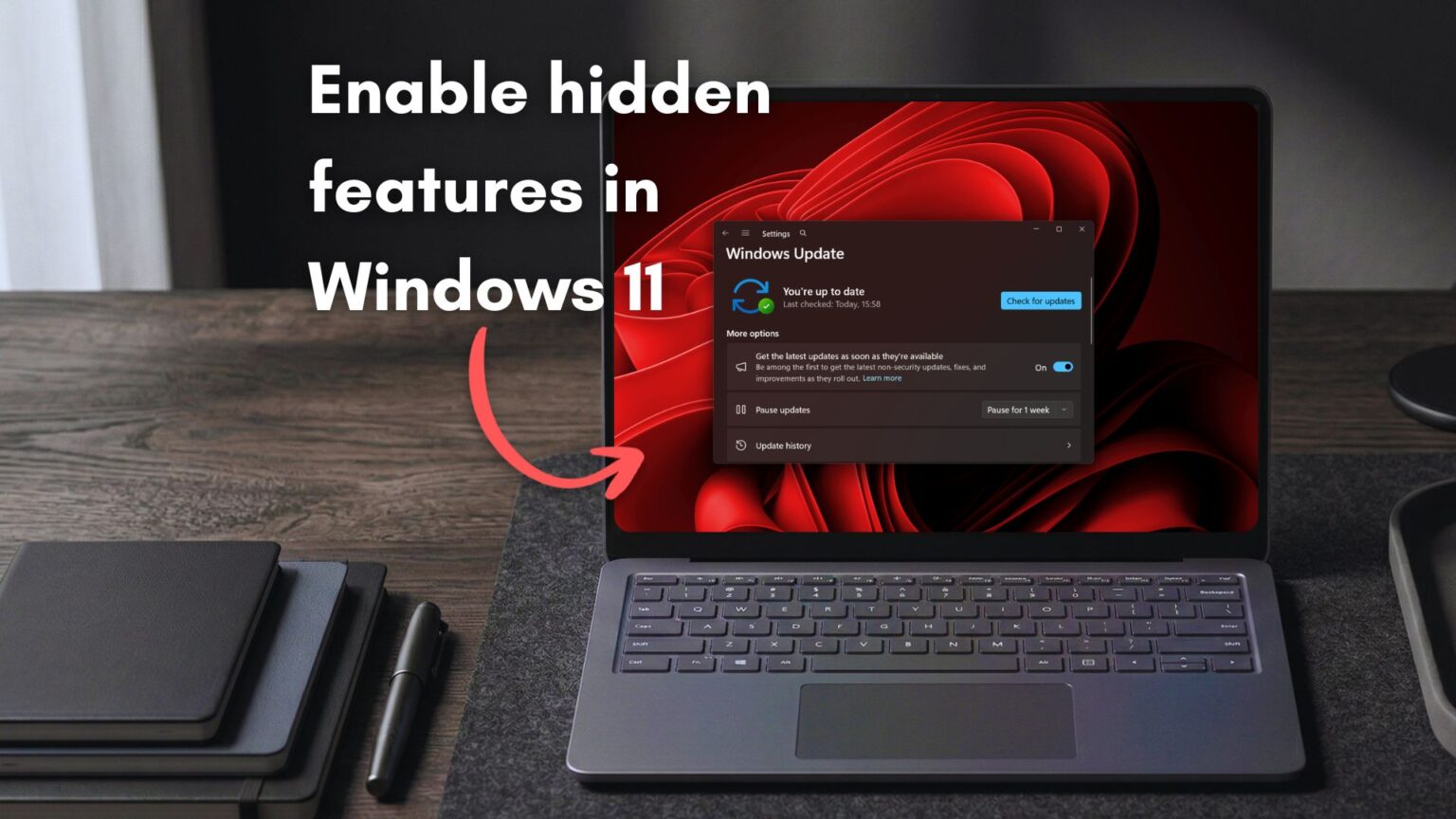
Microsoft has confirmed that Windows 11 feature flags are coming to the Settings app, giving users a new way to unlock hidden features without relying on third-party tools. This update targets Windows Insider builds and signals a shift in how Microsoft allows early testing of upcoming features.
The Windows 11 feature flags system introduces a dedicated page under the Windows Insider Program settings. Through this page, users can enable or disable experimental features directly. Previously, enthusiasts depended on tools like ViVeTool or waited for Controlled Feature Rollout to gradually activate features.
Windows 11 feature flags arrive in Settings
The new option appears inside the Windows Insider Program settings, just below the section where users choose their Insider channel. Once opened, the page shows a searchable list of available flags and an additional section for inactive ones.
Users can toggle features on or off, depending on what is available in their build. Microsoft also includes controls such as “Apply Changes” and “Reset all,” making it easier to manage multiple feature experiments at once.
However, the company warns that enabling these options may affect system performance or stability. This warning reflects the experimental nature of these features.
Why Microsoft is introducing feature flags
Microsoft’s Controlled Feature Rollout system has long limited how new features reach users. While this approach reduces risk, it often frustrates enthusiasts who want early access.
With Windows 11 feature flags, Microsoft is responding to that feedback. The new system allows Insiders to bypass gradual rollouts and test features as soon as they become available.
This change also aligns with the original goal of the Insider Program, which is to provide early access to experimental updates and gather feedback from users.
Read Also
MacBook Neo Price Shocks PC Industry
How Windows 11 feature flags work
Inside the Feature Flags page, users will find a structured layout. A search bar helps locate specific features, while lists separate active and inactive options.
Available flags represent features still in development. Inactive flags include those that have already completed rollout or have been removed from testing.
Each flag can be toggled individually. Once changes are made, users must apply them for the system to reflect updates.
Microsoft’s design suggests that more features will appear in this list as development progresses. However, it remains unclear whether all experimental features will be exposed immediately.
Controlled Feature Rollout vs manual testing
Controlled Feature Rollout allows Microsoft to release features to a small group of users first. This approach reduces system-wide risks but slows access for others.
By contrast, Windows 11 feature flags give users direct control. Instead of waiting for selection, Insiders can activate features themselves.
This shift restores flexibility to the testing process. It also ensures that more users can provide feedback on new features earlier in development.
Read Also
Intel Core Ultra 200S Plus Targets Gaming Performance
What this means for Windows Insiders
The introduction of feature flags marks a return to a more open testing environment. Earlier versions of the Insider Program allowed quicker access to experimental features through different release rings.
Over time, Controlled Feature Rollout reduced that flexibility. Many users found themselves waiting longer to try new tools.
Now, Windows 11 feature flags bring back that sense of control. Insiders can experiment with updates without relying on external tools or hidden commands.
Enterprise and future rollout expectations
Microsoft has not yet confirmed whether feature flags will extend beyond Insider builds. For now, the feature remains hidden in recent builds and is still under testing.
However, company representatives have indicated that more details will arrive soon. Early signals suggest the feature may roll out widely in upcoming Insider updates.
Read Also
Project Helix Dev Kits Coming to Developers in 2027
Why this change matters for Windows development
The addition of feature flags reflects a broader shift in Microsoft’s development strategy. By giving users more control, the company encourages active participation in testing.
This approach can lead to faster feedback cycles and improved feature quality. It also strengthens engagement within the Insider community.
Moreover, users no longer need complex tools or technical workarounds to explore upcoming features. Everything becomes accessible within the system interface.
Read Also
Apple Releases iOS 26.3 Update With New Features
As Microsoft prepares a wave of updates for Windows 11, the introduction of feature flags signals a more transparent and user-driven development process. For many Insiders, this marks a return to a more flexible and engaging testing experience.