BizmartOs
No Result
View All Result
  • Windows
  • macOS
  • Linux
  • Android
  • iOS
  • ChromeOS
  • Ubuntu
  • Debian
  • Fedora
  • BSD
  • Windows
  • macOS
  • Linux
  • Android
  • iOS
  • ChromeOS
  • Ubuntu
  • Debian
  • Fedora
  • BSD
No Result
View All Result
BizmartOs
No Result
View All Result

Home » iOS 26 Productivity Hacks

iOS 26 Productivity Hacks

Patricia Renee by Patricia Renee
8 months ago
in iOS
Reading Time: 2 mins read
A A
iOS 26 productivity
472
SHARES
1.5k
VIEWS
Share on FacebookShare on Twitter

Boost Your Workflow with iOS 26 Productivity Features

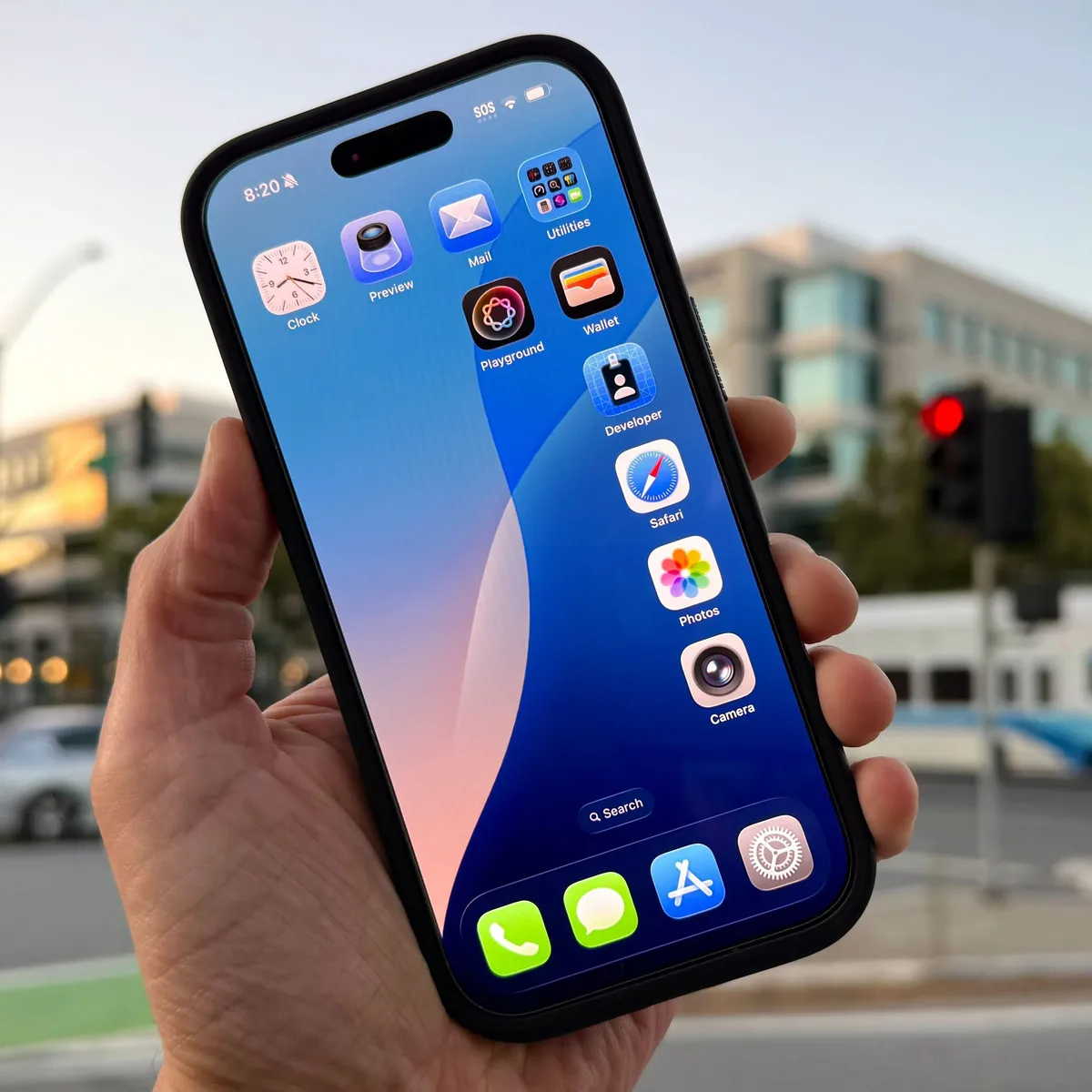
Apple’s iOS 26 productivity upgrades make the iPhone a smarter tool for work and everyday life. Beyond the stunning Liquid Glass interface, iOS 26 introduces powerful features that help users save time, reduce interruptions, and streamline daily tasks.

1. Filter Calls with Call Screening

Phone interruptions can disrupt focus. iOS 26 introduces Call Screening, which answers unknown calls with a message asking the caller to identify themselves. Users receive the caller’s response and decide whether to answer, send to voicemail, or block.

2. Automate Event Creation from Screenshots

Now, iPhones can extract event details from screenshots and add them directly to the Calendar app. Whether it’s a conference poster or a social media invite, iOS 26 detects date, time, and location for quick event creation.

3. Let Your iPhone Wait on Hold

With Hold Assist, your iPhone can remain on hold automatically, freeing you to focus on other work. The phone alerts you when a real person is on the line, ensuring you never miss important calls.

4. AI-Powered Live Translation

iOS 26 leverages Apple Intelligence to act as a live interpreter. Messages, FaceTime, and phone calls can now be translated in real-time, helping global teams communicate effortlessly.

5. Customize Folders for Better File Management

The Files app now allows custom folder designs by color, symbol, or emoji. Changes sync across all devices via iCloud Drive, making it easier to locate and manage documents efficiently.

With these new tools, iOS 26 productivity enhancements provide iPhone users with smarter workflows, reduced distractions, and AI-powered support for global communication. Upgrade to iOS 26 today to maximize your productivity.

Tags: AI translationApple IntelligenceApple iPhonecalendar automationCall ScreeningFiles appHold AssistiOS 26productivity features
Previous Post

Zorin OS 18 Beta

Next Post

Huawei HarmonyOS 5 Expands to 17 Million Devices

Related Posts

iPhone Lock Screen Clock Customization
iOS

iPhone Lock Screen Clock Customization

3 months ago
iOS 26.3 update
iOS

Apple Releases iOS 26.3 update with New Features for iPhone, iPad, and More

4 months ago
Zero-day vulnerability
iOS

Apple Patches Zero-Day Vulnerability Exploited by Hackers Targeting iPhones

4 months ago
iOS 26.3 Release Date: Likely February 10, Apple Confirms
iOS

iOS 26.3 Release Date: Likely February 10, Apple Confirms

4 months ago
Apple Patches iOS Versions Over a Decade Old: What It Means for Your Old iPhone
iOS

Apple Patches iOS Versions Over a Decade Old: What It Means for Your Old iPhone

4 months ago
Apple’s obsession with ads is destroying the iPhone
iOS

Apple’s Expansion of App Store Ads Raises Concerns for Users

4 months ago
Next Post
Huawei HarmonyOS 5 Expands to 17 Million Devices

Huawei HarmonyOS 5 Expands to 17 Million Devices

  • About
  • Privacy
  • Terms
  • DMCA
  • Advertise
  • Contact

© 2026 Bizmart OS

No Result
View All Result
  • Windows
  • macOS
  • Linux
  • Android
  • iOS
  • ChromeOS
  • Ubuntu
  • Debian
  • Fedora
  • BSD

© 2026 Bizmart OS