The ChromeOS Review highlights a lightweight, cloud-connected operating system designed primarily for web browsing and casual computing. With its focus on simplicity and ease of use, ChromeOS has gained significant traction, especially in educational environments and among users seeking a straightforward computing experience. While it lacks the extensive capabilities of macOS Tahoe or Windows 11, ChromeOS offers a solid alternative for those prioritizing web apps, cloud storage, and seamless integration with Google services.
Hardware Options: ChromeOS Devices and Compatibility
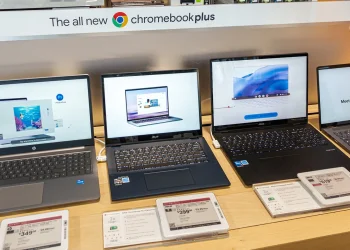
ChromeOS primarily powers Chromebooks, with most models focusing on budget-friendly options. The Chromebook Plus series, which includes devices with upgraded specs, offers more power and functionality. ChromeOS supports a variety of devices, including Chromeboxes, Chromebases, and Chromebits, but its limited hardware choices mean that it’s not as flexible as Windows 11 or macOS Tahoe in terms of customization and upgrade options.
Winner: ChromeOS
Setup Experience: Simple and Streamlined
One of ChromeOS’s biggest strengths is its simplicity during setup. The process involves signing into a Google account and syncing all settings and preferences. Unlike Windows 11 and macOS, which require more complex steps, ChromeOS offers a clean, easy setup that is ideal for first-time users. It also supports instant tethering, making it simple to connect an Android phone for internet access.
Winner: ChromeOS
AI Integration: Gemini on ChromeOS
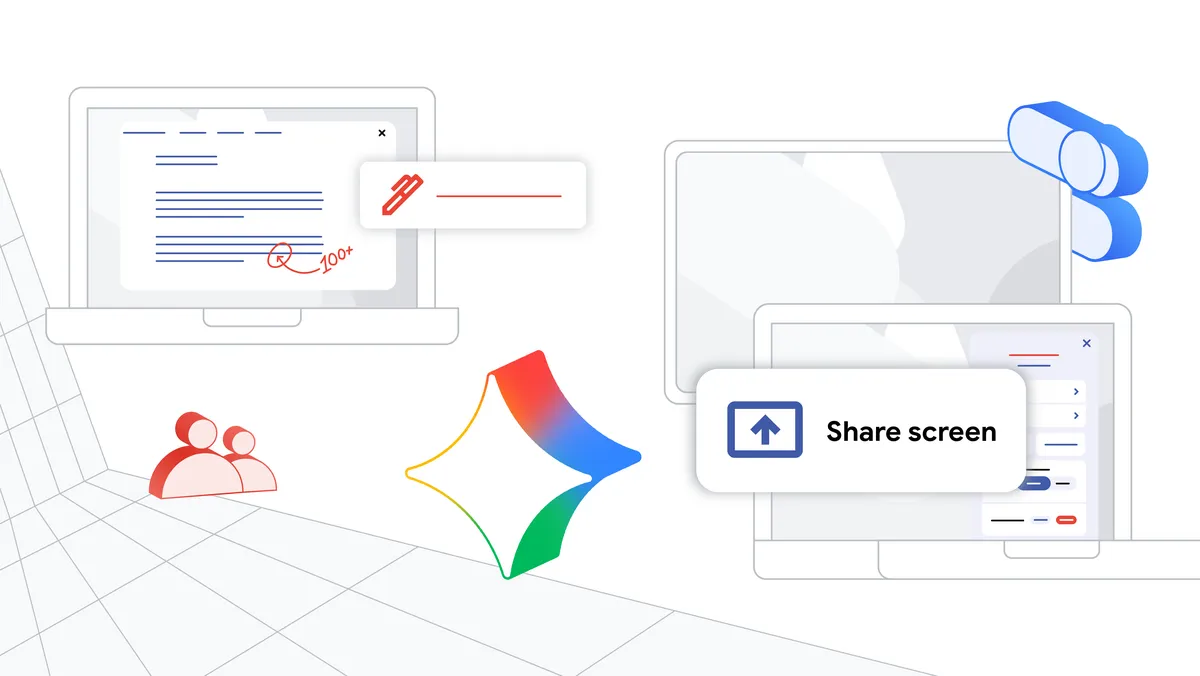
A significant update for ChromeOS includes the integration of Gemini AI, Google’s generative AI technology. This new feature allows Chromebooks to access AI tools like Chat with Gemini, AI-generated backgrounds, and Help Me Write, which provide productivity benefits. The Chromebook Plus devices further enhance this experience with local AI processing, enabling faster and more efficient tasks, including image editing.
Winner: ChromeOS
Mobile Device Integration: Syncing with Android
While macOS Tahoe and Windows 11 excel at mobile device integration, ChromeOS competes strongly, especially with its tight sync between Android devices. The Phone Hub in ChromeOS allows you to access photos, texts, and notifications from your Android phone directly on the Chromebook. The upcoming version of ChromeOS will even allow you to complete the setup process using your Android phone.
Winner: ChromeOS
Android Apps on ChromeOS: Compatibility and Limitations
ChromeOS’ support for Android apps is one of its most significant improvements. You can install apps from the Google Play Store, including popular apps like Instagram, Spotify, and Netflix. However, some apps still don’t adapt well to the larger screen size of a Chromebook, and full-screen mode is not always ideal. While Windows 11 and macOS Tahoe offer more polished app ecosystems, ChromeOS has significantly improved in this area.
Winner: ChromeOS
Web-Centric Design: A Focus on Cloud Computing
ChromeOS is designed for cloud computing, with Google Drive being the primary storage solution. This cloud-first approach makes it easier to store files and access them across devices. ChromeOS also supports progressive web apps (PWAs), allowing users to run web apps offline, improving usability. However, Windows 11 and macOS Tahoe provide more advanced local storage options.
Winner: ChromeOS
Touchscreen and Tablet Mode: ChromeOS vs. Windows 11 and macOS
ChromeOS devices, especially Chromebook Plus models, offer touchscreen support, although the tablet experience is still not ideal. Windows 11 and macOS Tahoe offer more refined tablet and touch experiences, especially on convertible devices like the Microsoft Surface Pro or Apple iPad Pro.
Winner: Tie
Security: Built-In Protections for Cloud-Based Computing
In terms of security, ChromeOS is ahead with built-in automatic updates, verified boot, and sandboxing of apps. This cloud-based OS minimizes the attack surface, and its reliance on web and Android apps further reduces the risk of malware. While macOS Tahoe and Windows 11 are highly secure, ChromeOS’ simplicity and fewer moving parts contribute to a more stable experience.
Winner: ChromeOS
Performance: Chromebook Plus and Local AI
Chromebooks, especially the Chromebook Plus models, now offer improved performance thanks to better CPUs, local AI processing, and larger storage. ChromeOS can handle more demanding tasks than before, such as running multiple apps, but still doesn’t match the power of macOS Tahoe or Windows 11 for heavy-duty computing needs like video editing or gaming.
Winner: ChromeOS