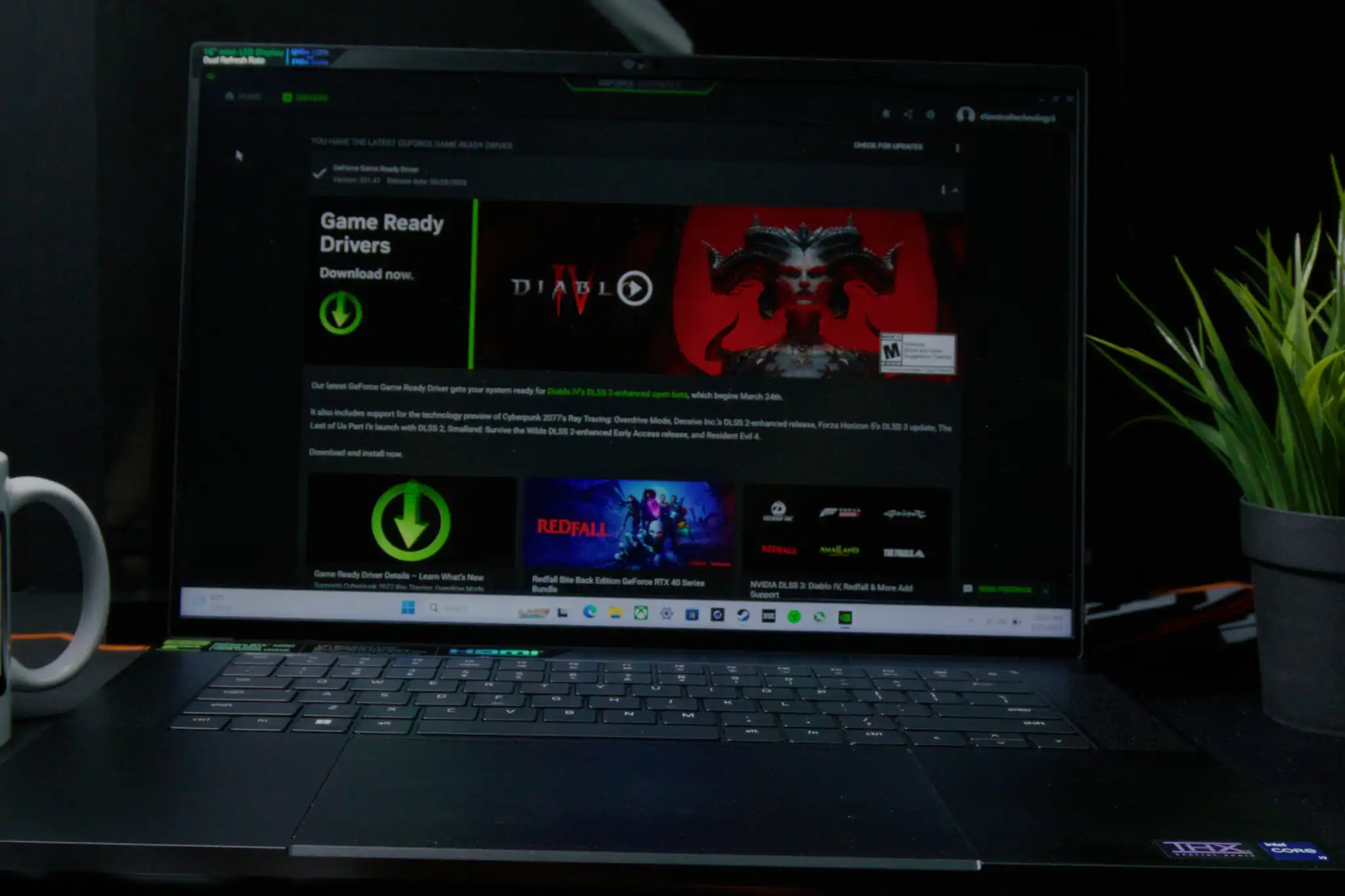
Nvidia blames a recent Microsoft update for visual glitches in games. Users noticed problems after installing both Nvidia’s GeForce Game Ready drivers (version 591.86) and Microsoft’s KB5074109 security update. Initially, gamers pointed fingers at Nvidia, but the company now shifts responsibility to Microsoft’s update.
Nvidia’s “Manuel@Nvidia” replied to users on the official forum. He suggested that uninstalling the KB5074109 update might be the only solution. “Even though it started after a Windows 11 update, we are looking into it,” Manuel wrote. “As far as I know, the only way to resolve it appears to be uninstalling KB5074109.”
Nvidia responds to complaints about visual glitches
The issue arises from a combination of software releases—Nvidia’s new driver and Microsoft’s January security patch. These updates arrived too closely together, causing conflicts. Many users reported glitches, such as black screens and visual rendering issues in gameplay.
Nvidia has now pointed to the Windows 11 update as the cause. The company claims that uninstalling the KB5074109 update resolves the problem. While this is not an ideal solution, it offers a temporary fix for affected users.
KB5074109 causes widespread issues
The KB5074109 update has caused a wide range of issues. Users have reported black screens, crashes in Outlook, and problems with File Explorer. In addition, dial-up modems have been affected.
The gaming glitches coincided with the release of the new Nvidia driver. This timing led many users to believe that Nvidia was at fault. But Nvidia’s statement points to a conflict between the driver and Microsoft’s update as the root cause.
Read Also
Windows 11 PowerToys shortcuts: Make the most of your desktop
Linux Gaming: A new era of cross-platform play
Mac before 2018: Essential features and updates you need to know
Microsoft releases a fix with optional patch
To address the bugs, Microsoft released an optional patch, KB5074105. This patch promises to fix various system crashes and other issues caused by the January update. However, it may not fully address the gaming glitches.
Microsoft’s patch was issued shortly after the issues began. Despite these improvements, the conflict between Nvidia’s driver and the KB5074109 update remains unresolved. A more comprehensive solution is expected in the February Patch Tuesday update.
How to uninstall KB5074109
If you wish to uninstall the January update, go to Windows Settings > Update & Security > Windows Update > Update History > Uninstall Updates. Find KB5074109 and click the uninstall button.
Microsoft may have already patched the issue with an out-of-band update (KB5078127), so check for newer updates before uninstalling. It’s generally recommended to keep updates unless absolutely necessary.
Looking ahead: Nvidia and Microsoft work on a fix
Nvidia and Microsoft are likely working on permanent solutions. While uninstalling KB5074109 fixes the issue for now, the ideal solution would be an updated Nvidia driver or a new Microsoft patch.
The upcoming February update should provide clarity and possibly a full resolution. For now, users will need to decide whether they want to remove the update or wait for the official fix.
Read Also
Meta expands premium subscriptions amid revenue diversification
Social media addiction trial raises pressure on tech firms
Netflix and Warner Bros signal new phase in streaming rivalry