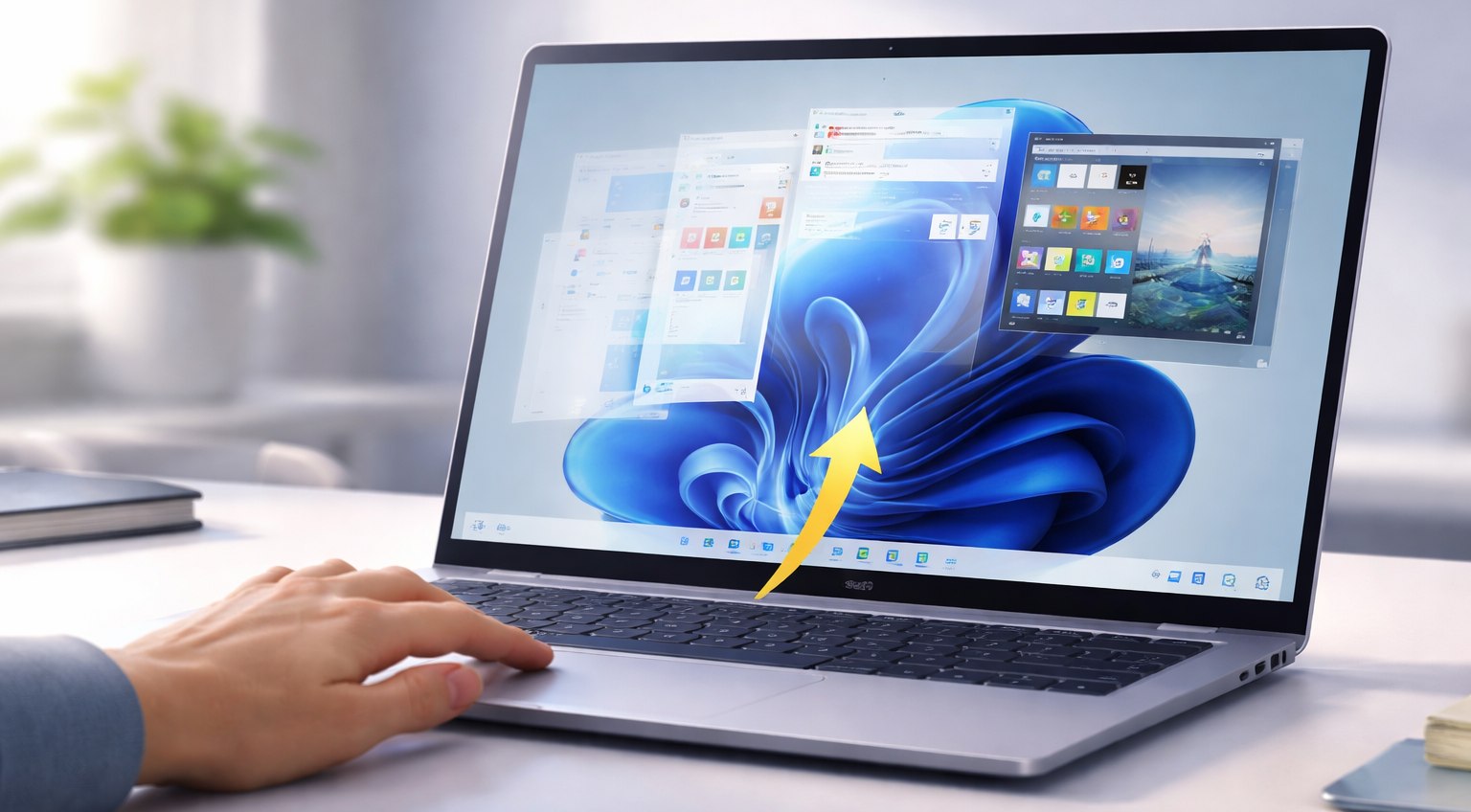
The arrival of PeekDesktop Windows introduces a simple but powerful feature that many users have long wanted. With a single click on empty desktop space, all open windows instantly move out of the way. Then, with another click, everything returns exactly as it was.
Created by Scott Hanselman, a vice president at Microsoft, the tool brings a familiar macOS interaction to Windows. While Windows already offers “Show Desktop” shortcuts, this approach feels more natural for users who prefer mouse-driven workflows.
The concept is straightforward. Click on the wallpaper, not icons, and every window minimizes instantly. As a result, users can access files, organize icons, or perform quick tasks without closing applications. When they finish, a simple click restores all windows to their original positions.
Unlike traditional shortcuts such as Win + M or Win + D, PeekDesktop Windows focuses on simplicity. It removes the need to remember keyboard combinations. Instead, it relies on intuitive interaction that mirrors everyday desktop use.
The tool runs quietly in the system tray and uses minimal resources. In fact, it consumes less than 2 megabytes of memory when idle. This lightweight design ensures that it does not affect system performance, even on lower-powered devices.
Installation is equally simple. Users only need to download a small file, extract it, and run the executable. There is no complex setup or additional interface. Moreover, the tool supports modern hardware, including Windows on ARM devices powered by Snapdragon processors.
Behind the scenes, PeekDesktop Windows uses several Windows APIs to manage window behavior. It detects mouse clicks globally and identifies whether the user clicked on empty wallpaper. Then, it captures the position and state of all open windows before minimizing them. When triggered again, it restores each window to its exact previous state.
This level of precision ensures a seamless experience. Even multi-monitor setups and maximized windows return correctly. As a result, users can rely on the tool without worrying about losing their workspace arrangement.
However, the tool is not without limitations. Certain actions, such as interacting with the Recycle Bin, can feel awkward. In some cases, right-clicking may restore all windows before completing the intended action. Additionally, some system apps, like Task Manager, do not respond to the feature in the same way as other windows.
Despite these minor issues, the overall experience remains smooth. Many users may find that once they adopt PeekDesktop Windows, traditional methods of managing windows feel less efficient. The ability to clear the desktop instantly can improve productivity, especially during multitasking.
The tool also highlights a broader trend in software design. Small usability improvements can have a significant impact on daily workflows. While major updates often focus on performance or features, subtle enhancements like this can transform how users interact with their systems.
Looking ahead, there is growing discussion about whether Microsoft should integrate this functionality directly into Windows. As the company continues to refine the user experience, features like click-to-reveal desktop could become part of the core operating system.
For now, PeekDesktop Windows fills that gap. It offers a practical solution for users who want a cleaner, faster way to manage their workspace. In doing so, it shows that even simple ideas can make a meaningful difference in how technology is used every day.