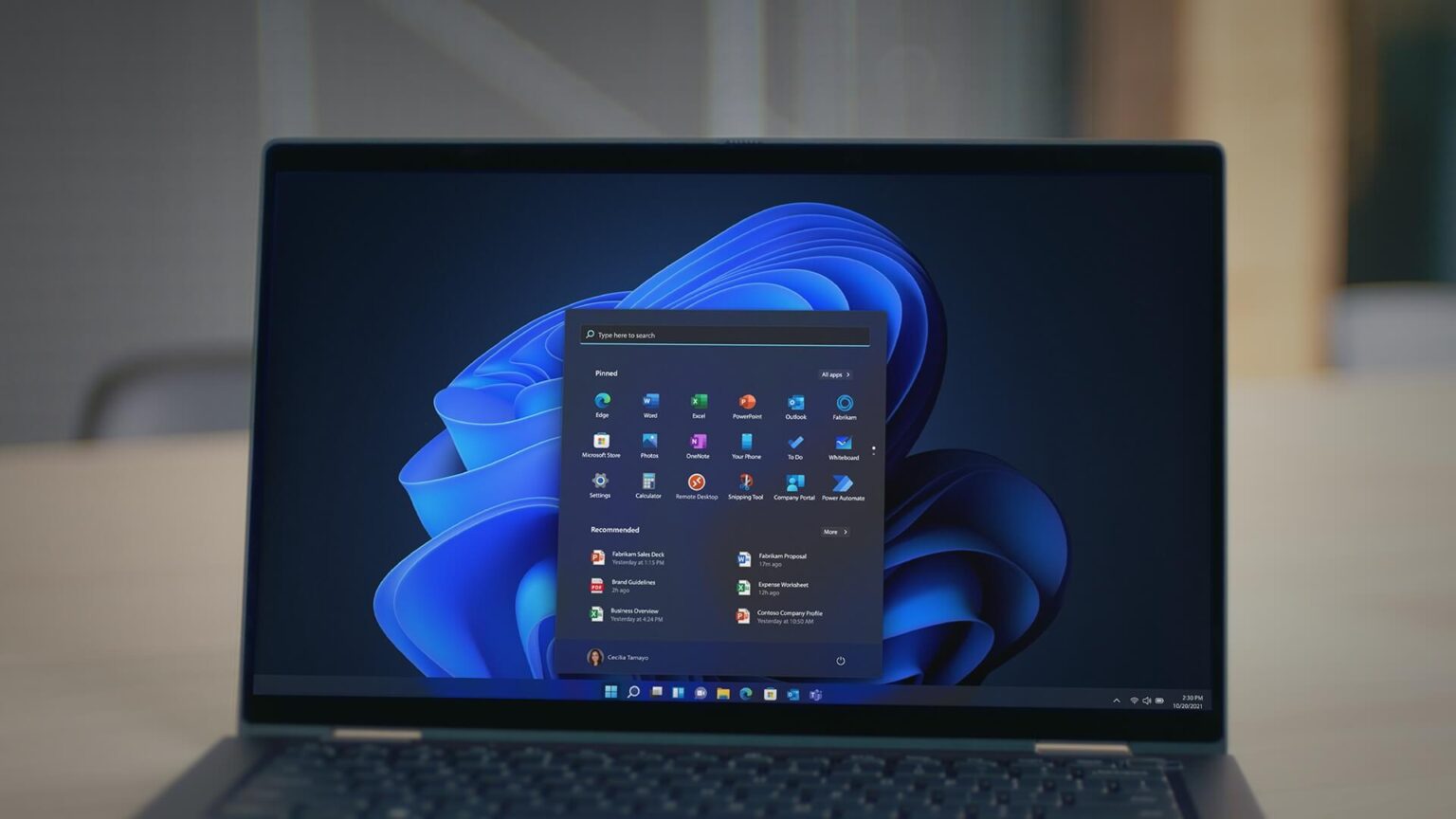
Windows 11 25H2 is now rolling out more widely, but most users will not notice anything new at first glance. Unlike feature-heavy updates, this release focuses on under-the-hood improvements delivered through updated drivers. According to newly surfaced Microsoft support documents, the changes target Wi-Fi, audio, storage, and system-level reliability. However, these enhancements depend heavily on hardware support and OEM participation, meaning not every PC will benefit immediately.
Windows 11 25H2 focuses on driver-level improvements
Microsoft published a document titled “What’s new in driver development for Windows 11, version 25H2,” aimed primarily at OEMs and hardware developers. Still, it offers insight into how Windows 11 25H2 improves everyday experiences without visible interface changes. Instead of new settings or features, Microsoft refined driver frameworks that vendors use to deliver better performance and stability over time.
Wi-Fi improvements in Windows 11 25H2
One of the most notable changes in Windows 11 25H2 affects Wi-Fi reliability, particularly for devices equipped with Wi-Fi 7 hardware. Microsoft enabled new WiFiCx enhancements that improve how Wi-Fi 7 enterprise networks communicate capabilities between devices. WiFiCx acts as a driver interface layer used by hardware vendors, and these updates allow adapters to detect compatibility more accurately.
As a result, users in enterprise environments such as offices or universities may experience fewer connection drops and reduced failures caused by mismatched capabilities. However, home users relying on standard WPA2 or WPA3 networks are unlikely to see noticeable changes, even after installing Windows 11 25H2.
How to check Wi-Fi hardware compatibility
Users curious about their eligibility can verify their Wi-Fi adapter version using Command Prompt. By running the netsh wlan show interface command, Windows displays detailed adapter information. If the output confirms Wi-Fi 7 support, the device can potentially benefit from Windows 11 25H2 Wi-Fi improvements when connecting to compatible enterprise networks.
Windows 11 25H2 reduces audio detection issues
Audio reliability also improves quietly in Windows 11 25H2. Microsoft adjusted inbox drivers to reduce scenarios where audio hardware fails after a system reinstall. This change primarily benefits devices using SoundWire or SDCA-based audio components, which are increasingly common in modern PCs.
SoundWire is a hardware bus for audio devices, while SDCA represents the driver stack and device class built on top of it. With Windows 11 25H2, Microsoft expanded inbox driver coverage, meaning speakers or microphones are less likely to fail before OEM-specific drivers are installed.
Better multichannel audio support
Multichannel audio setups also gain stability in Windows 11 25H2. Users who capture or route audio across multiple channels often encounter issues where only one channel works or devices are not detected at all. Microsoft addressed these inconsistencies by improving driver handling, reducing “audio not found” errors and uneven channel behavior.
Another key change is that all SDCA drivers are now included directly in Windows 11. As a result, systems with compatible audio hardware rely less on immediate OEM driver installation to function correctly.
Read Also
Lenovo ThinkPad X1 Carbon and Windows performance
Windows 11 version 26H1 features explained
What Microsoft 365 users should know
Enterprise-focused security refinements
Beyond Wi-Fi and audio, Windows 11 25H2 introduces changes mainly aimed at enterprise security and system reliability. Microsoft added usermode_accessors.h, a new kernel-mode helper designed to safely read and write user-mode memory. This reduces risk when kernel components interact with user-space data, improving overall system robustness.
While this enhancement is largely invisible to consumers, it strengthens the foundation Windows relies on for secure enterprise workloads.
Why most users will not notice changes
Windows 11 25H2 is an enablement package rather than a traditional feature update. That means improvements activate capabilities already present in the system but dormant until supported by OEM drivers. Vendors such as Intel must update drivers before users see tangible benefits. Consequently, some PCs may never receive these enhancements due to hardware limitations.
Microsoft recently began wider deployment of Windows 11 25H2, and users who have not installed it yet may be upgraded automatically in the coming months. Although the update lacks headline features, it quietly strengthens Wi-Fi reliability, audio stability, and system foundations for supported devices.