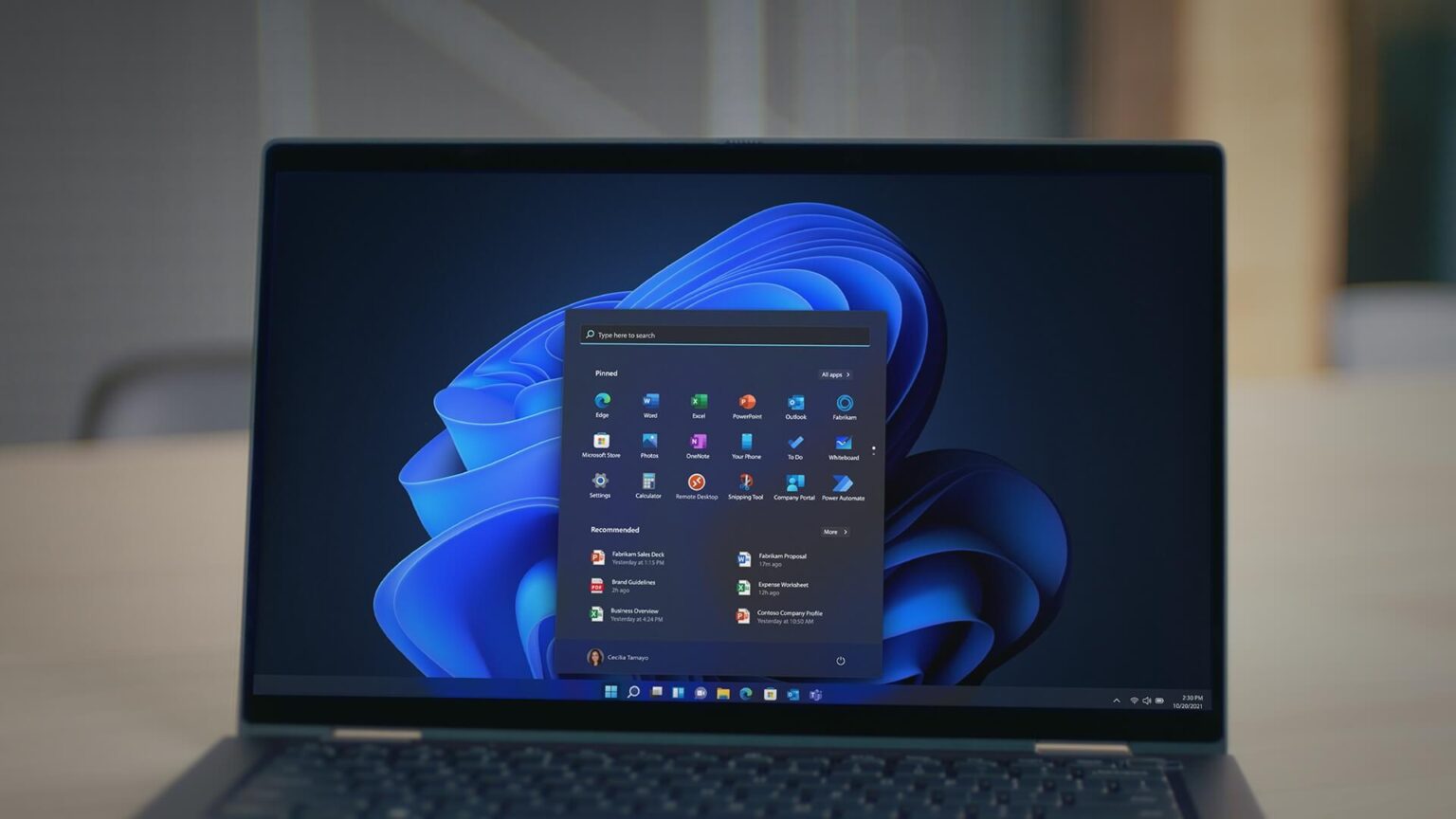
The Windows shutdown bug introduced by Microsoft’s January 2026 security update has disrupted normal power functions for a segment of Windows 11 users. After installing update KB5073455, some systems refuse to shut down or enter hibernation. Instead, they restart unexpectedly. While security updates remain critical for protecting devices, this issue shows how even routine patches can cause serious usability problems.
What causes the Windows shutdown bug
Microsoft has confirmed that the Windows shutdown bug affects a limited but important group of users. Specifically, it impacts Windows 11 Enterprise and IoT editions running on devices with Secure Launch enabled. Secure Launch is designed to protect the boot process from firmware-level threats. However, after the January update, this security layer interferes with normal power commands. As a result, shutdown and hibernation requests trigger restarts instead.
How Secure Launch interferes with shutdown
Secure Launch has been part of Windows since Windows 10 and plays a critical role in system integrity. It verifies firmware and boot components before the operating system loads. Following the January patch, changes to power management routines appear to conflict with Secure Launch checks. Consequently, Windows fails to complete shutdown sequences correctly and defaults to rebooting the system.
Why enterprise environments are hit hardest
The Windows shutdown bug creates significant challenges in enterprise and industrial settings. Many organizations rely on scheduled shutdowns, hibernation policies, or energy-saving routines. When these actions fail, systems remain powered on longer than intended. Moreover, enterprise users often lack permissions to apply system-level fixes without IT support. Therefore, the bug increases administrative overhead and operational risk.
Temporary workaround for the Windows shutdown bug
Microsoft has provided a temporary method to shut down affected devices safely. Users can open the Start menu, type cmd, and press Enter. In the Command Prompt window, entering shutdown /s /t 0 forces the system to shut down immediately. This approach avoids forced hardware shutdowns, which can lead to data loss or file corruption. As a result, it is the safest option currently available.
Why hibernation remains unavailable
At present, there is no confirmed workaround for restoring hibernation. The standard command shutdown /h may work on some systems, but Microsoft has not verified it as a reliable fix. Therefore, users affected by the Windows shutdown bug must operate without hibernation until a permanent solution is released. This limitation can increase power consumption, especially on always-on enterprise devices.
Read Also
Lenovo ThinkPad X1 Carbon and Windows performance
Windows 11 version 26H1 features explained
What Microsoft 365 users should know
Additional issues tied to the January update
The Windows shutdown bug is not the only problem linked to the January patch bundle. Microsoft has also acknowledged connection failures affecting Azure Virtual Desktop. Some users cannot authenticate or connect after installing the update. This issue also blocks access to Windows 365 through the Windows app. As a workaround, Microsoft recommends using the Remote Desktop client or the Windows App web client.
Outlook problems raise further concerns
In a separate acknowledgement, Microsoft confirmed issues affecting Outlook POP account profiles. Some users report Outlook freezing, while others say the app fails to restart after being closed. Microsoft described this as an emerging issue and stated that further details will be shared once investigations are complete. These additional bugs have intensified criticism of recent update reliability.
User frustration grows over update quality
Long-time Windows users increasingly compare current update issues to earlier versions such as Windows 7. Back then, major post-update bugs were less common. Some users speculate that faster release cycles or increased automation may play a role. Although such theories remain unproven, dissatisfaction continues to grow as bugs affect daily workflows.
What happens next
Microsoft has confirmed that it is actively investigating the Windows shutdown bug and related problems. Permanent fixes are expected in upcoming patch updates. Until then, affected users must rely on temporary workarounds and administrative guidance. Despite the inconvenience, Microsoft maintains that security updates remain essential and should not be skipped without careful consideration.
Windows shutdown bug in the January 2026 update prevents shutdown and hibernation on some PCs, with temporary workarounds available for Windows shutdown bug Windows shutdown bug