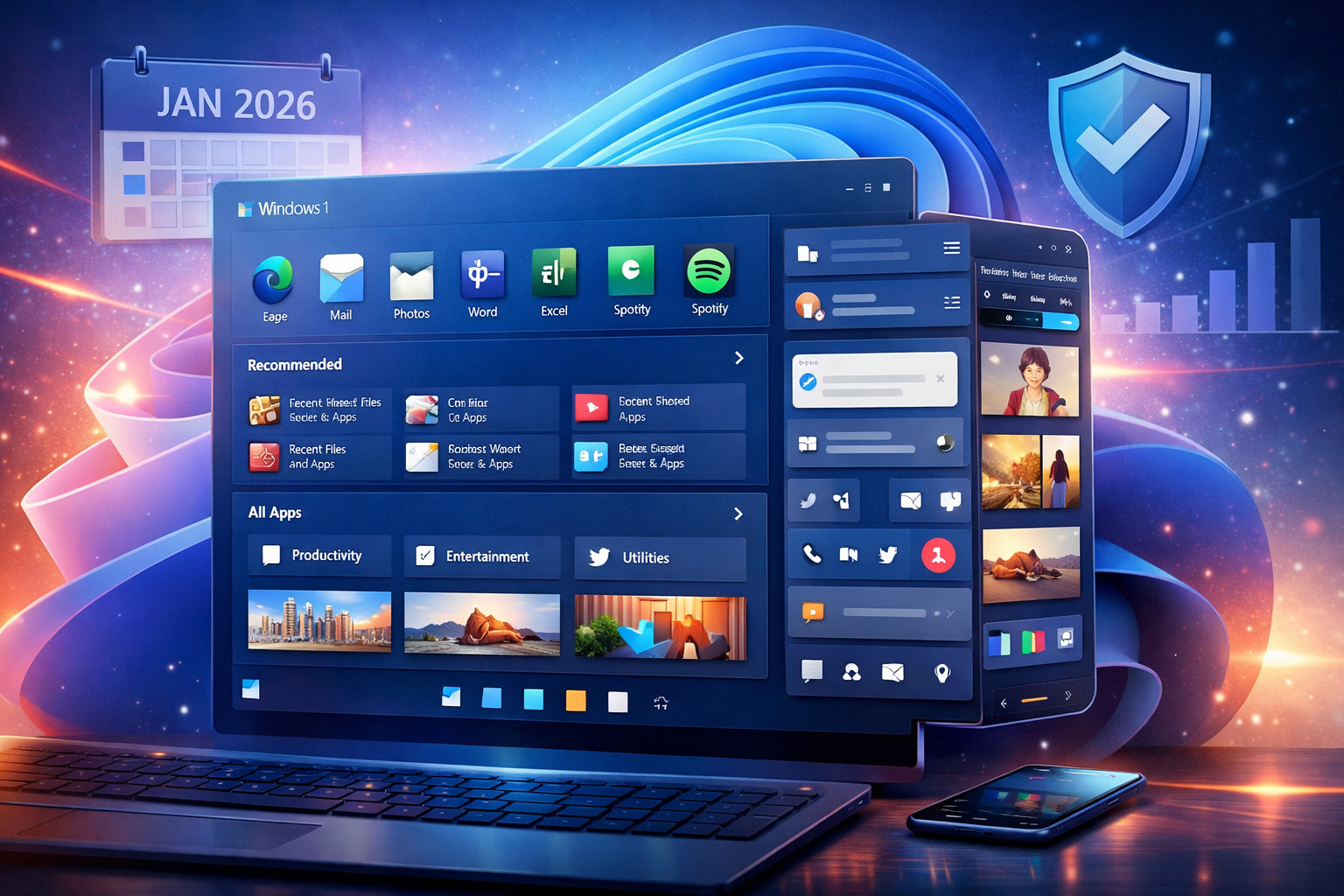
The Windows 11 Start menu has suddenly become a dominant visual element for millions of users following the January 2026 security updates. While the redesign technically arrived earlier, this update marks the first time the new layout has reached a broad audience. As a result, many users are reacting with frustration, largely due to the menu’s expanded size and increased screen presence. However, the change reflects a deliberate shift in Microsoft’s design strategy rather than an unintended side effect.
Why the Windows 11 Start menu suddenly expanded
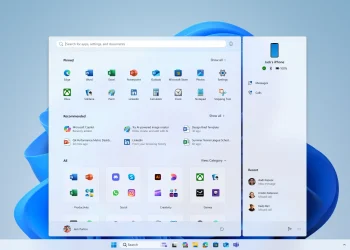
Microsoft did not accidentally enlarge the Windows 11 Start menu. Instead, the redesign represents a clear move away from layered navigation toward a single, scrollable interface. Previously, users moved through several nested views to access apps and files. Now, almost everything appears on one consolidated page. Pinned applications sit at the top, recommended content follows, and the All Apps section is fully integrated rather than hidden behind another click. Consequently, the interface prioritizes immediacy over compactness.
More information means more space
From a structural standpoint, the Start menu grew because it now handles more tasks at once. First, Microsoft increased the number of visible app tiles per row, expanding from six to eight columns. Second, installed applications are grouped into themed categories such as productivity and entertainment, each presented as uniform square tiles. Finally, recommended files and app listings appear alongside pinned items instead of competing for limited space. As a result, the menu now functions more like a dashboard than a traditional launcher.
Design philosophy behind the Start menu redesign
The Windows 11 Start menu reflects Microsoft’s broader push toward clarity and touch-friendly interfaces. By reducing hidden layers, the company aims to make navigation faster and more intuitive across devices. At the same time, this philosophy favors visual consistency and animation over minimal footprint. Therefore, the expanded layout supports smooth transitions and unified motion design, even if it occupies a larger portion of the screen.
Customization options without size control
Although Microsoft addressed several long-standing requests, full control remains limited. Users can switch to a classic list-style view for apps, which benefits mouse and keyboard workflows. Additionally, fewer clicks are required to reach commonly used programs. However, manual resizing is no longer available. According to Microsoft, allowing free scaling would disrupt animations and interface behavior. Consequently, flexibility took a back seat to visual coherence.
How the phone bar intensifies the space issue
For users who connect a smartphone, the Start menu grows even larger. The side-folding phone bar displays notifications, messages, and recent mobile activity. While useful, this feature extends the interface further to the right. On smaller screens, the Windows 11 Start menu can occupy most of the display when opened. As a result, multitasking becomes noticeably more constrained during active use.
Read Also
Lenovo ThinkPad X1 Carbon and Windows performance
Windows 11 version 26H1 features explained
What Microsoft 365 users should know
Workarounds instead of a smaller Start menu
At present, Microsoft has not indicated any plans to reduce the size of the Start menu. The only practical workaround involves adjusting system-wide display scaling. While this approach can make the menu appear smaller, it also affects every other interface element. Therefore, it serves as a temporary compromise rather than a targeted fix.
What the larger Start menu signals for Windows users
The oversized Windows 11 Start menu is neither a bug nor a transitional experiment. Instead, it signals a long-term design direction that values information density and touch compatibility. Users who prefer seeing more content at once may appreciate the change. Meanwhile, those who favor compact efficiency must adapt or accept trade-offs as Microsoft continues refining its interface priorities.
Microsoft explains why the enlarged Start menu rolled out now in January 2026, what changed, and why resizing is not planned for Windows 11 Start menu Windows 11 Start menu