Windows 11 LTSC is quietly becoming one of the most interesting versions of Microsoft’s operating system in 2026. While the standard version of Windows 11 increasingly integrates artificial intelligence across apps and features, LTSC offers the opposite experience. It removes most modern apps, avoids frequent feature updates, and focuses entirely on stability.
For users who feel overwhelmed by AI integrations, marketing prompts, and bundled applications in the standard Windows environment, Windows 11 LTSC feels refreshingly simple.
Windows 11 LTSC stands for Long-Term Servicing Channel. It is a special edition of Windows created mainly for enterprise environments and specialized systems that require reliability rather than constant updates.
Unlike standard Windows versions, LTSC receives only monthly security and quality updates for up to ten years. Feature updates arrive every few years and organizations can choose whether to install them.
Because of this approach, Windows 11 LTSC avoids the rapid update cycle that characterizes modern Windows releases.
Microsoft designed Windows 11 LTSC primarily for industries that depend on consistent software environments. These include hospitals, banks, government systems, and industrial machines.
Devices such as ATMs, medical equipment, kiosks, and embedded systems often rely on software that cannot break due to frequent operating system changes.
For these use cases, a stable operating system that rarely changes is far more valuable than one constantly receiving new features.
Windows 11 LTSC also traces its origins to earlier enterprise-focused Windows versions. Microsoft first introduced the concept with Windows 10 LTSB, which stood for Long-Term Servicing Branch.
Later, Microsoft renamed the model to LTSC. Versions such as Windows 10 LTSC 2019 and Windows 10 LTSC 2021 became widely used in enterprise environments and among technology enthusiasts seeking a lightweight Windows experience.
When Windows 11 initially launched, Microsoft did not immediately release an LTSC version. The operating system was evolving rapidly and required time to reach a stable baseline.
Eventually Microsoft introduced Windows 11 LTSC in 2023. The operating system later appeared officially under the Windows 11 LTSC 2024 release cycle alongside enterprise editions.
One of the most noticeable characteristics of Windows 11 LTSC is its minimal installation environment.
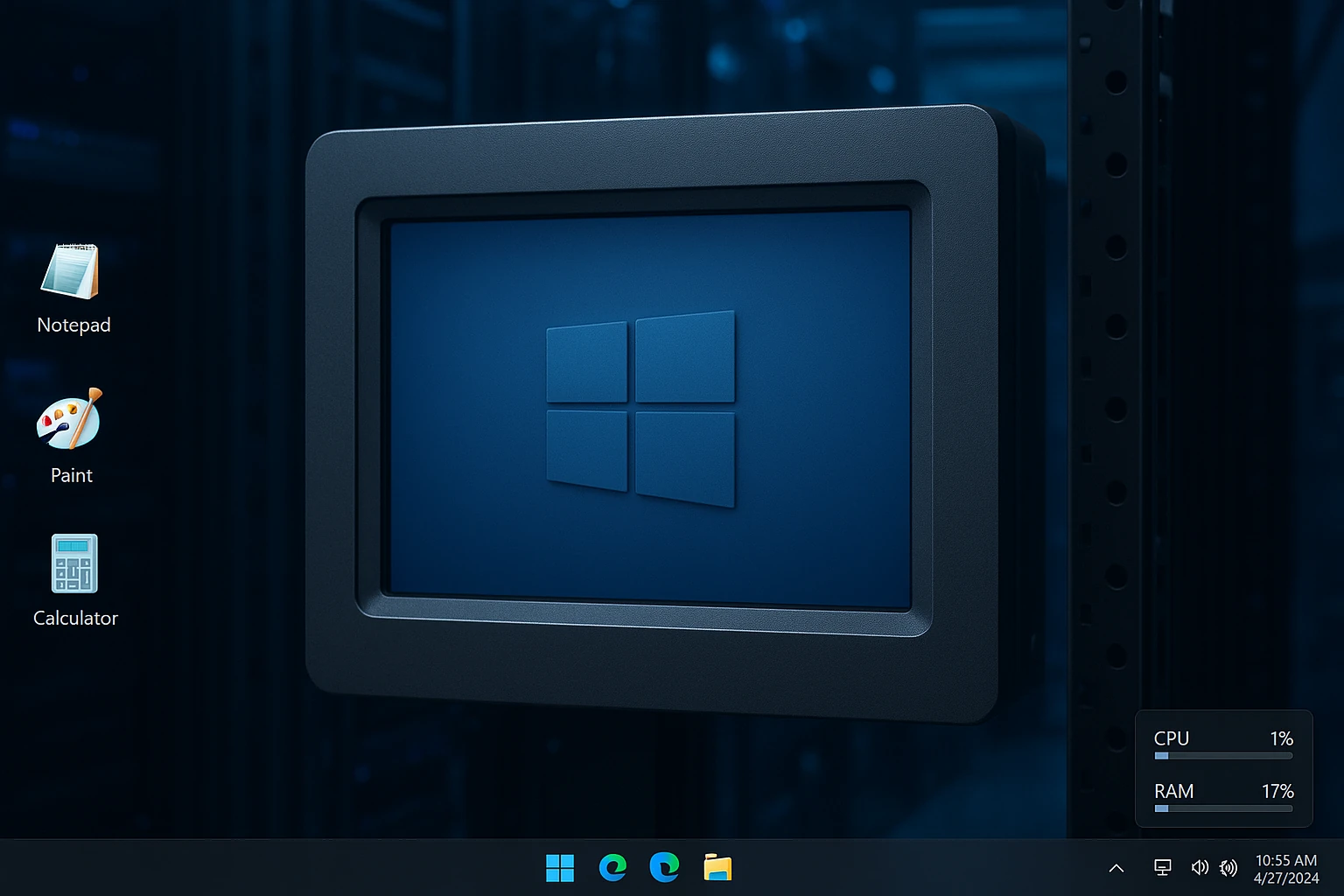
After installation, the Start menu contains almost no applications. Instead of the typical collection of preinstalled software, the system includes only a handful of essential programs.
These include classic versions of Calculator, Notepad, Paint, Snipping Tool, File Explorer, and the Microsoft Edge browser.
Modern Windows components such as Widgets, the Discover feed, and Copilot are completely absent.
Even the Microsoft Store does not appear in the operating system by default. Users who need it must download and install it manually.
Another unusual aspect of Windows 11 LTSC is the ability to run the system without signing into a Microsoft account. Users can create a local account during setup, which simplifies installation and reduces data synchronization with Microsoft services.
This approach contrasts sharply with the standard Windows experience, which strongly encourages users to sign in with a Microsoft account.
The lightweight nature of Windows 11 LTSC also affects system storage and background processes.
After installation, the operating system typically occupies around 16 GB of storage. Standard Windows 11 installations often exceed 20 GB because of additional bundled apps and services.
System resource usage also tends to be lower. Without AI tools, cloud services, and numerous background apps running simultaneously, memory and CPU usage often remain noticeably lighter.
For users running virtual machines or older computers, this reduced overhead can make the system feel more responsive.
Windows 11 LTSC also preserves many classic versions of Microsoft applications. Programs such as Notepad and Calculator appear in their simpler forms without modern AI features or advanced functionality.
These versions may lack newer tools such as image support or cloud integration. However, they start instantly and consume minimal system resources.
The simplified design often reminds long-time Windows users of older operating systems like Windows 7.
Even the lock screen experience in Windows 11 LTSC remains minimal. Features such as Windows Spotlight and lock screen widgets are not available.
This stripped-down interface removes distractions but also eliminates some customization options.
Despite its minimal approach, Windows 11 LTSC still includes modern system components under the hood. The operating system supports the same hardware requirements as regular Windows 11.
These requirements include a compatible processor, at least 4 GB of memory, and support for modern graphics standards.
However, certain security features such as TPM and Secure Boot may remain optional depending on configuration.
Installing Windows 11 LTSC is similar to installing any other Windows version.
Users can download an evaluation ISO image directly from Microsoft and install it through a virtual machine or a bootable USB drive.
The evaluation period lasts for 90 days. After that period, users must activate the system using a valid enterprise license.
Because LTSC licenses are typically distributed through Microsoft’s volume licensing programs, obtaining one may be difficult for individual consumers.
Another limitation of Windows 11 LTSC is the absence of feature updates.
While this improves stability, it also means users may miss new improvements introduced in future Windows releases. Features related to gaming performance, system optimization, or Xbox integration may arrive much later.
For this reason, LTSC may not always be ideal for gaming systems or enthusiast PCs that rely on the newest software features.
Instead, Windows 11 LTSC works best in environments where reliability and simplicity matter more than innovation.
Older computers that struggle with modern Windows features may benefit from its reduced system requirements. Similarly, users who prefer a quiet, distraction-free operating system may find the minimal environment appealing.
In many ways, Windows 11 LTSC represents a different philosophy of computing.
Rather than constantly evolving through updates and new services, it focuses on stability and consistency.
For enterprises managing thousands of devices, this approach reduces the complexity of system maintenance.
For enthusiasts who dislike bloatware and aggressive software updates, Windows 11 LTSC offers a rare glimpse of a simpler Windows experience.
READ: How to Run a Windows 11 Compatibility Check for Your PC