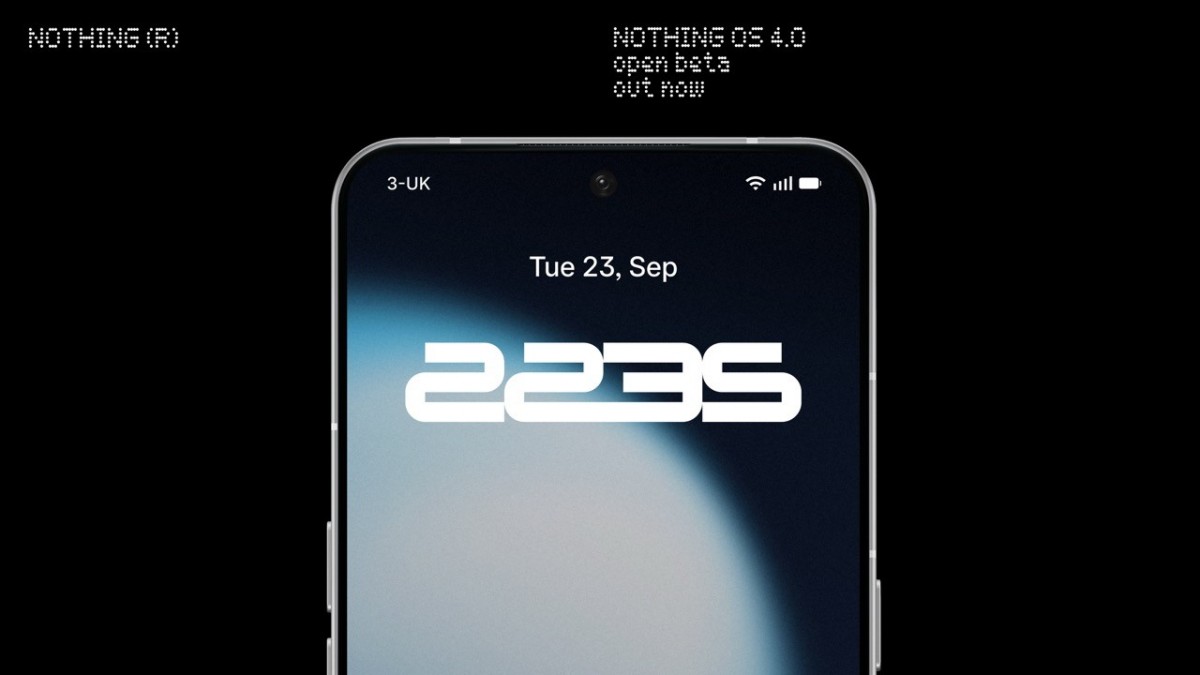
The Nothing OS 4.0 Open Beta is now live. Nothing announced it earlier this month as its custom skin based on Android 16. Google released Android 16 in June. Now, users can test the new OS on compatible devices.
Right now, the beta supports the Nothing Phone (3), Phone (2), Phone (2a), and Phone (2a) Plus. Nothing has not included the Phone (3a) and (3a) Pro yet. However, the company plans to roll out the update to them in October.
To install the beta, you must first update your phone to the latest stable version of Nothing OS. Then, download a special APK from Nothing’s official Community post. Once you install it, a new menu appears in Settings > System called Nothing Beta Hub.
Open the Beta Hub and sign up for the program. After that, tap Go to Update to start the installation. The process is simple. But remember—this is beta software. You will likely encounter bugs and glitches.
Nothing strongly recommends that you avoid using your main phone for testing. Instead, use a secondary device if possible. Always back up your data before you begin.
Your feedback matters. Nothing wants testers to report issues and share suggestions. You can submit feedback through Settings > System > Feedback. This input helps the team improve the OS before the final release.
The Nothing OS 4.0 Open Beta builds on Android 16. It likely includes interface tweaks, better privacy tools, and tighter ecosystem integration. Full details remain limited. But early users will see Nothing’s latest design direction firsthand.
If you enjoy testing new software, this beta gives you a great opportunity to get involved. Just stay cautious, back up your data, and share your experience.
In short, the Nothing OS 4.0 Open Beta isn’t just about trying new features. It’s about helping Nothing shape the future of its software for everyone.