Google has introduced a major cross-device upgrade with the Android 17 beta update. The new feature, called Handoff, enables users to move app activities between nearby Android devices with system-level support. With Android 17 Handoff, Google is closing the continuity gap and building a smoother multi-device experience across phones, tablets, and other Android-powered hardware.
The Android 17 beta 1 release marks the first official appearance of Handoff. Unlike third-party syncing tools, this feature operates quietly at the system level. That means users can begin a task on one device and continue it on another nearby device without manually transferring files, links, or session data. As Android ecosystems expand across multiple devices, this update signals Google’s deeper focus on seamless productivity and workflow continuity.
What Is Android 17 Handoff?

4
Android 17 Handoff is a built-in continuity feature designed to let users resume ongoing app activities across devices. If you are drafting a document, browsing a website, or using a supported app on one Android device, you can shift that activity to another nearby device with minimal interruption.
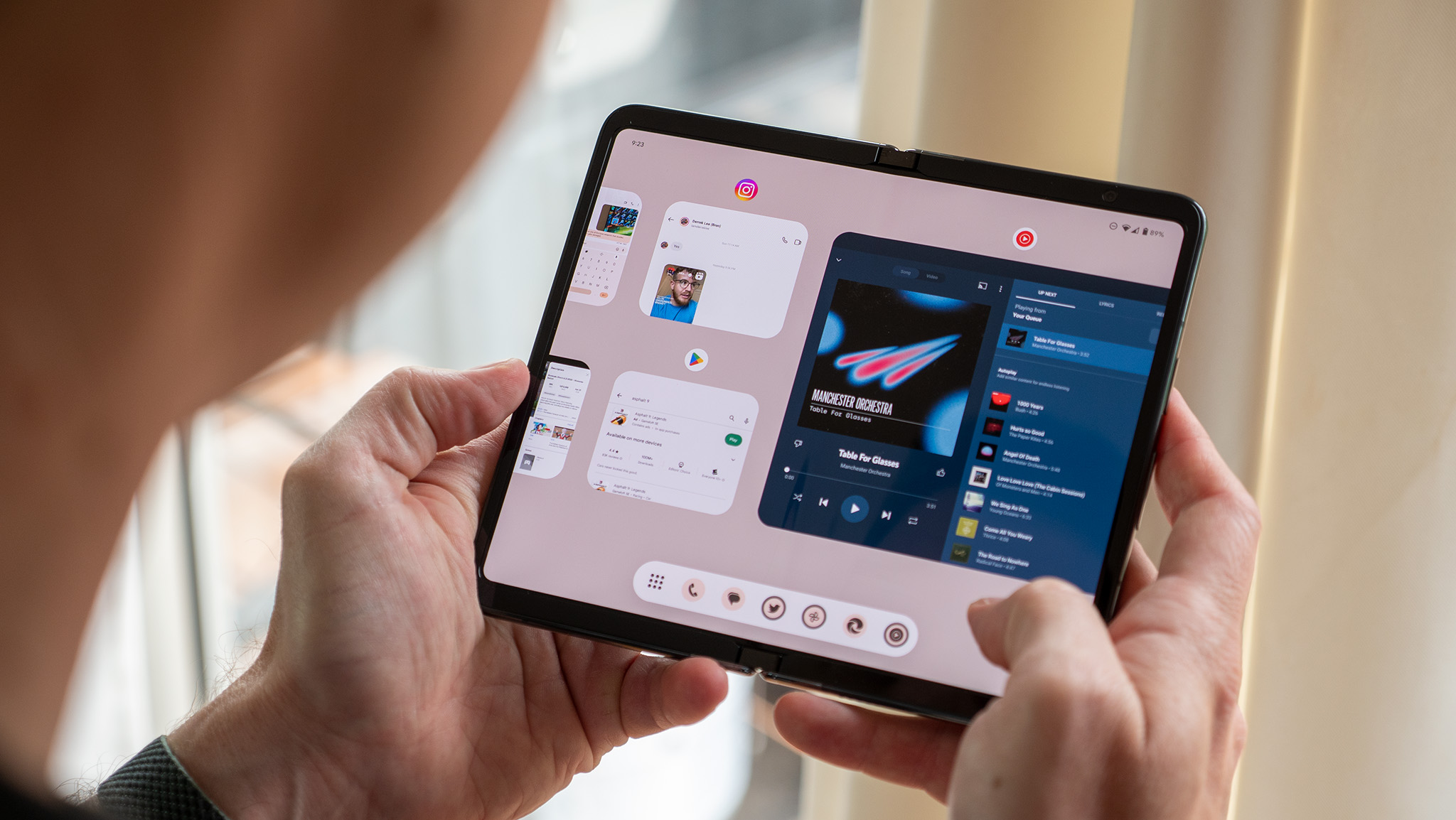
Available activities appear through system-level surfaces such as the launcher and taskbar. When the second device detects a compatible app and activity, it offers a shortcut that allows you to pick up where you left off. If the same app is installed on both devices, the receiving device opens the native app directly and restores the specific activity state.
This differs from simple file sharing. Instead of sending a document or link, Android 17 Handoff transfers contextual session data so the second device can recreate the activity.
How Android 17 Handoff Works in Practice

4
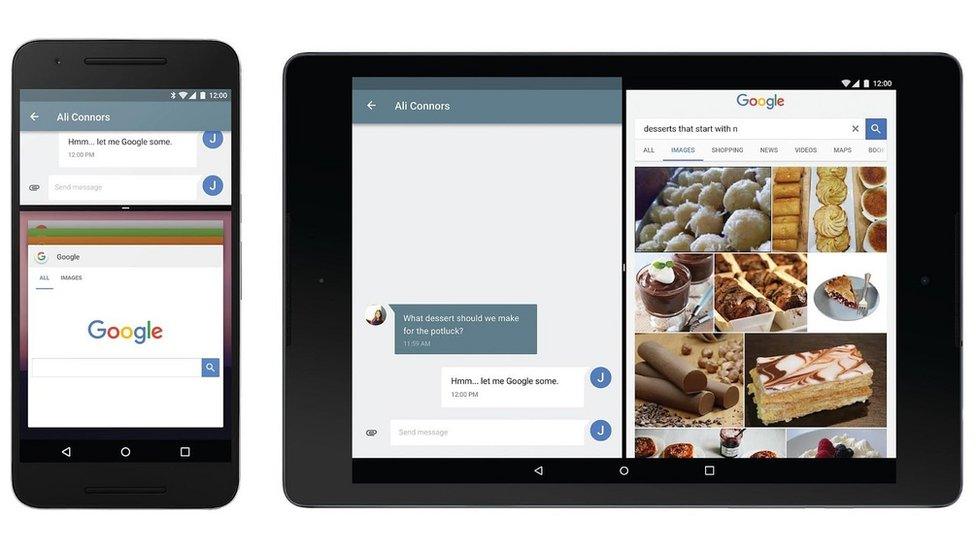
The process relies on proximity and system-level integration. When two Android devices are nearby and linked through the same Google account, the system can detect eligible activities. Supported tasks are then surfaced in key interface areas.
For example:
- You begin editing a document on your Android phone.
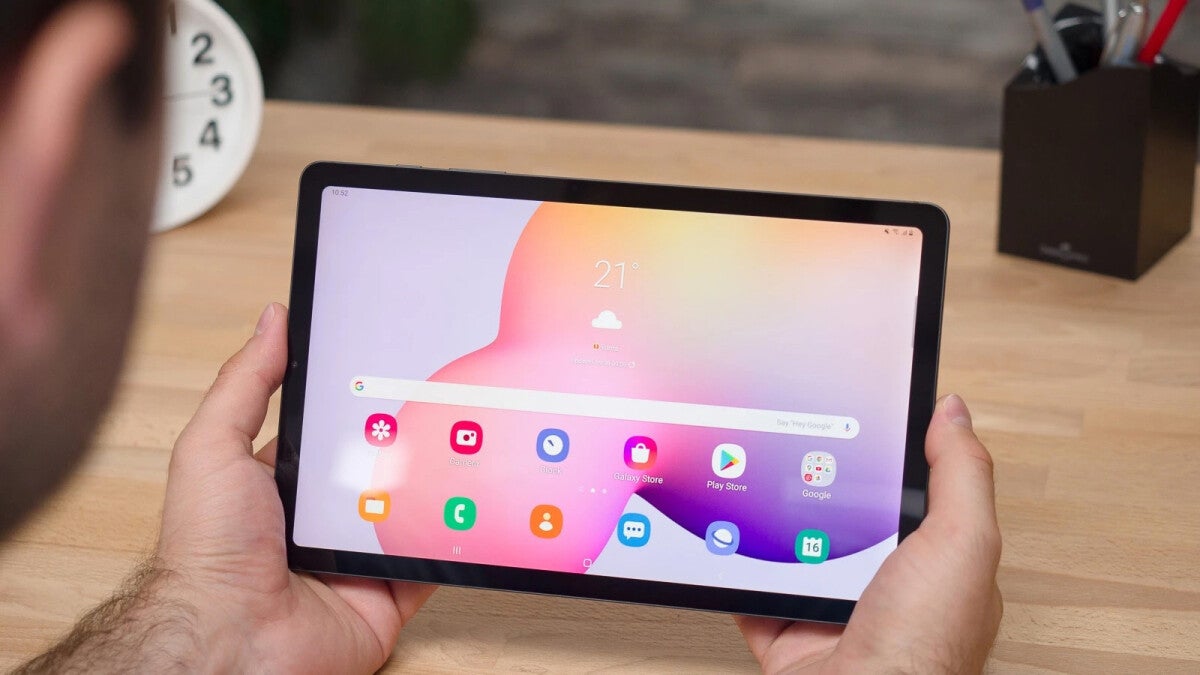
- Your Android tablet detects the activity.
- A resume prompt appears in the launcher or taskbar.
- Tapping it opens the same app on the tablet.
- The activity resumes from the last state.
If the native app is not installed on the receiving device, Android 17 provides an app-to-web fallback. In this scenario, the system opens a corresponding web version through a URL-based continuation. This ensures continuity even when app parity does not exist across devices.
Importantly, Handoff support works on a per-activity basis. Developers must explicitly enable it for specific app screens or workflows.
Developer Integration and API Support
Android 17 Handoff is not just a user-facing feature. It also introduces new developer APIs that enable app creators to integrate cross-device continuity into their apps.
To activate Handoff for a particular activity, developers must call the setHandoffEnabled() method within that activity. Additional data can be passed during the handoff process so that the receiving device restores the correct session state.
Developers must also implement the onHandoffActivityRequested() callback. This callback returns a HandoffActivityData object, which defines how the activity should be reconstructed on the second device.
This approach gives developers granular control. They can decide which screens support handoff, what data transfers, and how the experience behaves across different form factors.
How Android 17 Handoff Compares to Apple’s Handoff

4
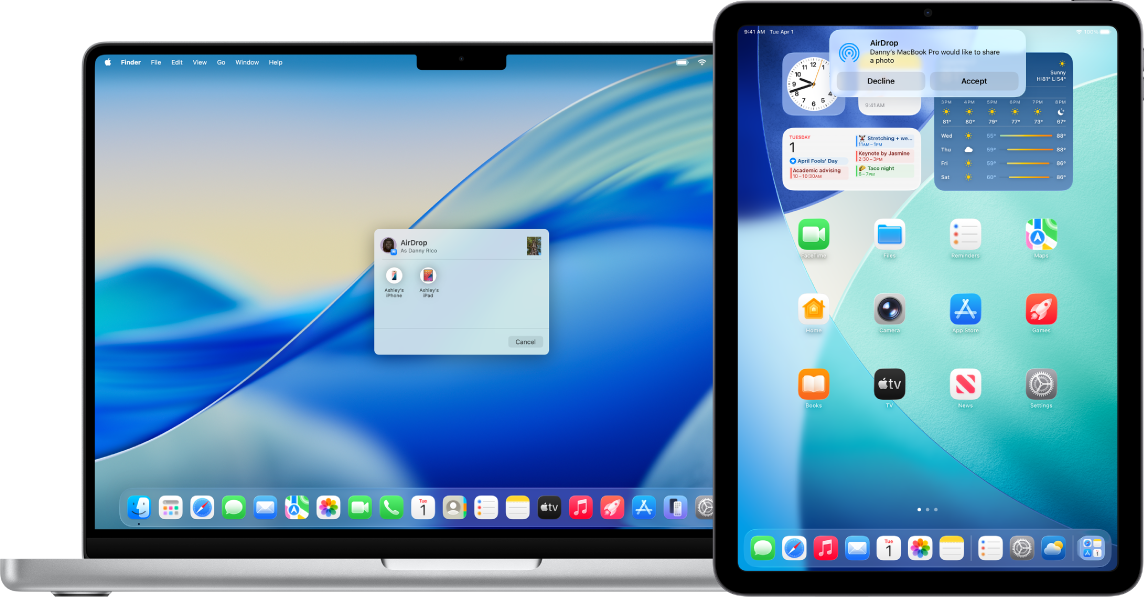
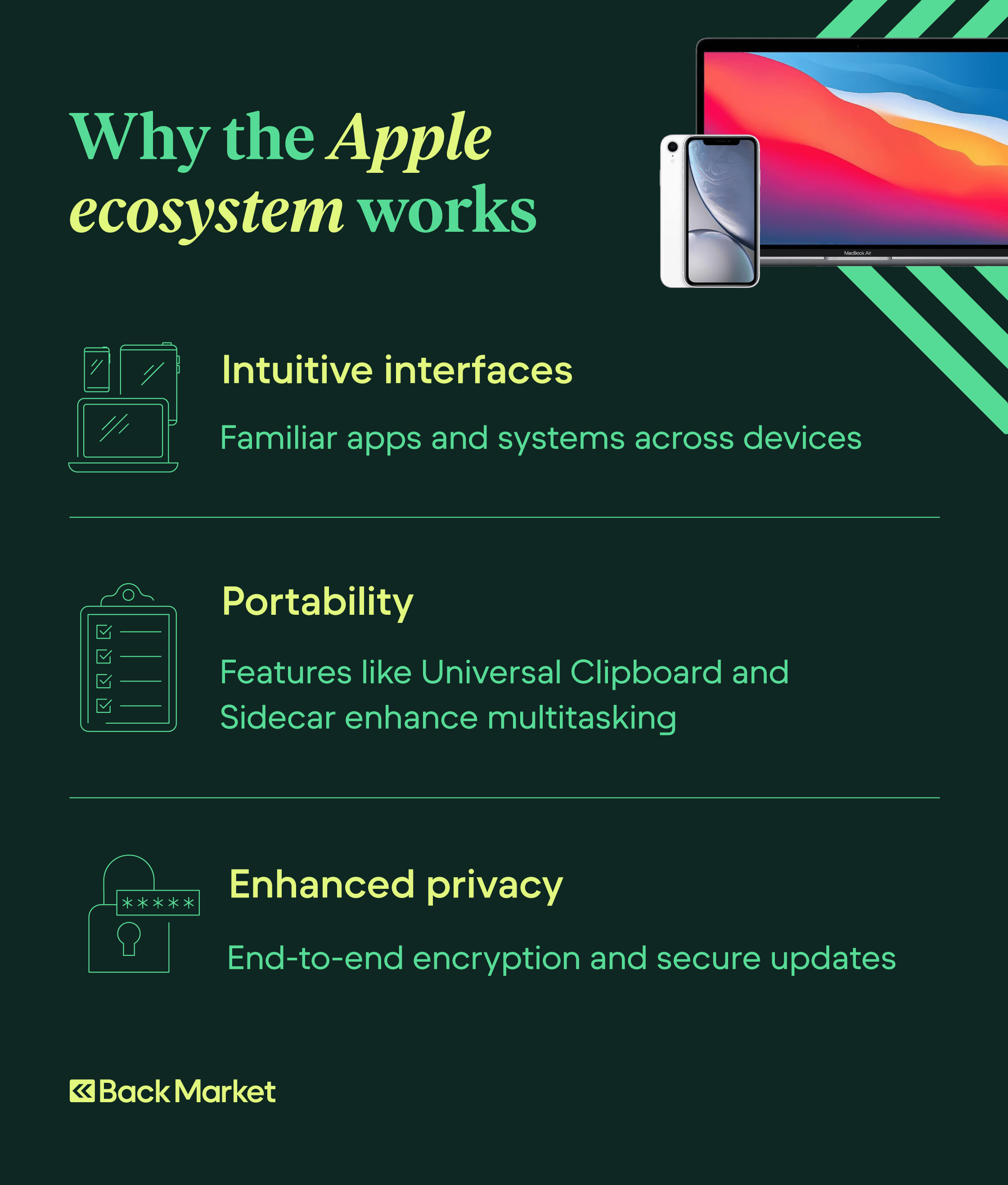
Cross-device continuity is not new in the broader tech ecosystem. Apple has offered a similar Handoff feature for years across iPhone, iPad, and Mac devices. On Apple hardware, a resume icon appears in the Dock or App Switcher when a compatible activity is available from another nearby device signed into the same Apple account.
Android 17 Handoff introduces comparable functionality within the Android ecosystem. However, the way continuation appears differs slightly. Instead of using a dock-based icon system, Android surfaces available activities through the launcher and taskbar.
Both systems rely on proximity and shared accounts. Both restore app state rather than simply transferring files. However, Android’s inclusion of an app-to-web fallback adds an additional layer of flexibility when native app support is unavailable.
Why Android 17 Handoff Matters
The Android ecosystem spans smartphones, tablets, foldables, and Chromebooks. As users increasingly own multiple Android devices, continuity becomes critical. Android 17 Handoff reduces friction between devices and supports modern multitasking habits.
This feature is especially relevant for professionals and students who switch between devices throughout the day. Instead of emailing links to themselves or reopening apps manually, they can move activities fluidly.
It also signals Google’s broader ambition to strengthen Android as a connected platform rather than just a mobile operating system. By embedding continuity into the system level, Google reduces reliance on third-party solutions and creates a more unified experience.
As Android 17 moves from beta to stable release, Handoff may evolve further. More apps are expected to adopt support as developers integrate the new APIs. Over time, this could significantly enhance productivity across the Android ecosystem.