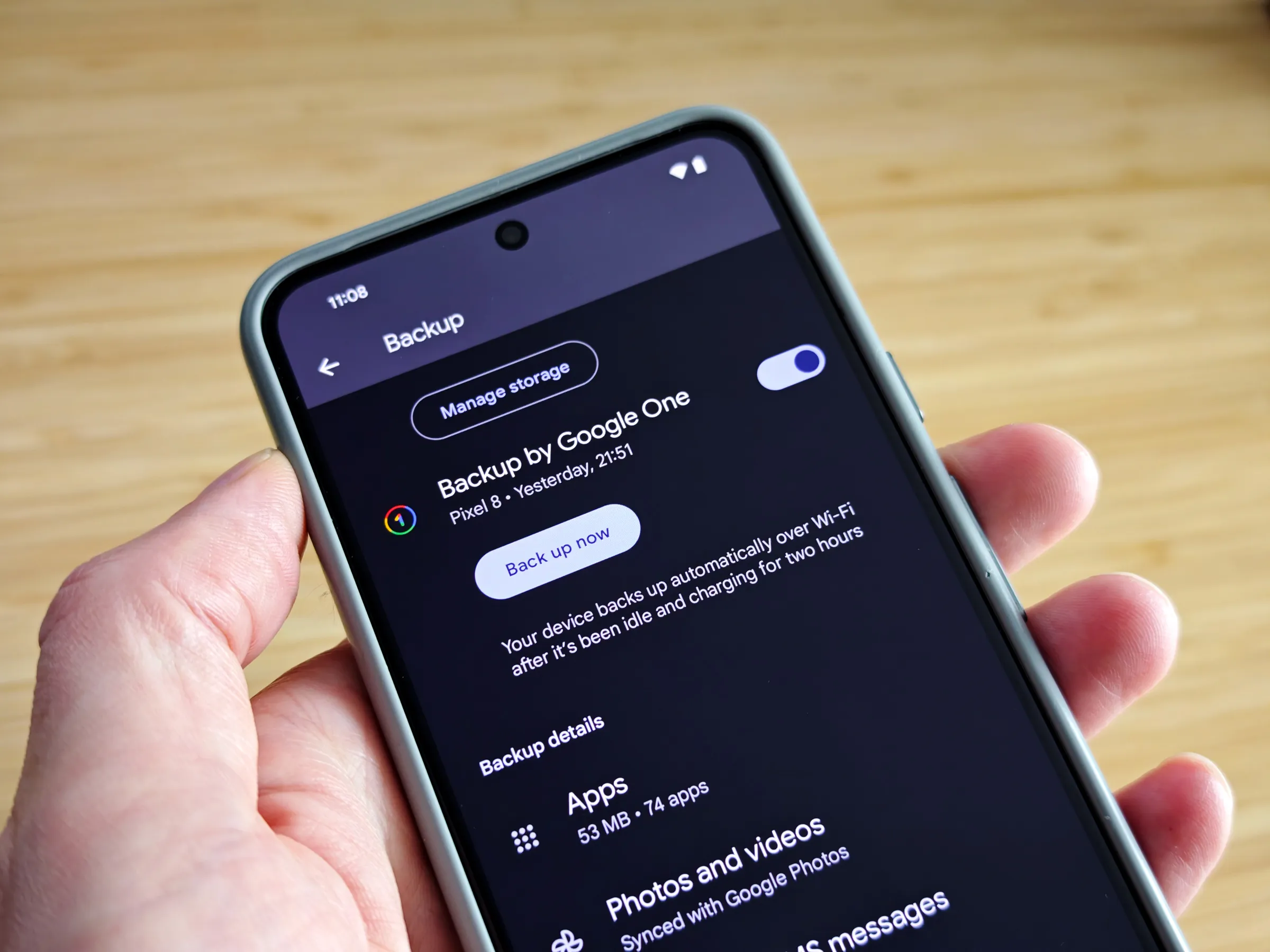
Google has officially confirmed a long-awaited enhancement to Android’s backup system. With the latest Play System update, the company is introducing an automatic backup option specifically for files stored in the Downloads folder. For years, Android users have relied on Google Photos to safeguard media and on system backups to preserve device settings and app data. However, files downloaded directly to the device such as PDFs, boarding passes, invoices, and documents were largely left unprotected unless users manually uploaded them to cloud storage.
Now, that gap is finally being addressed. The new feature integrates with Google Drive and automatically saves copies of downloaded files, offering a safety net for important documents that might otherwise be lost during device resets, upgrades, or accidental deletions. While the functionality sounds straightforward, there are important limitations and technical nuances that users should understand before assuming it works like full cloud syncing.
What Exactly Is Changing in Android Backups?


4
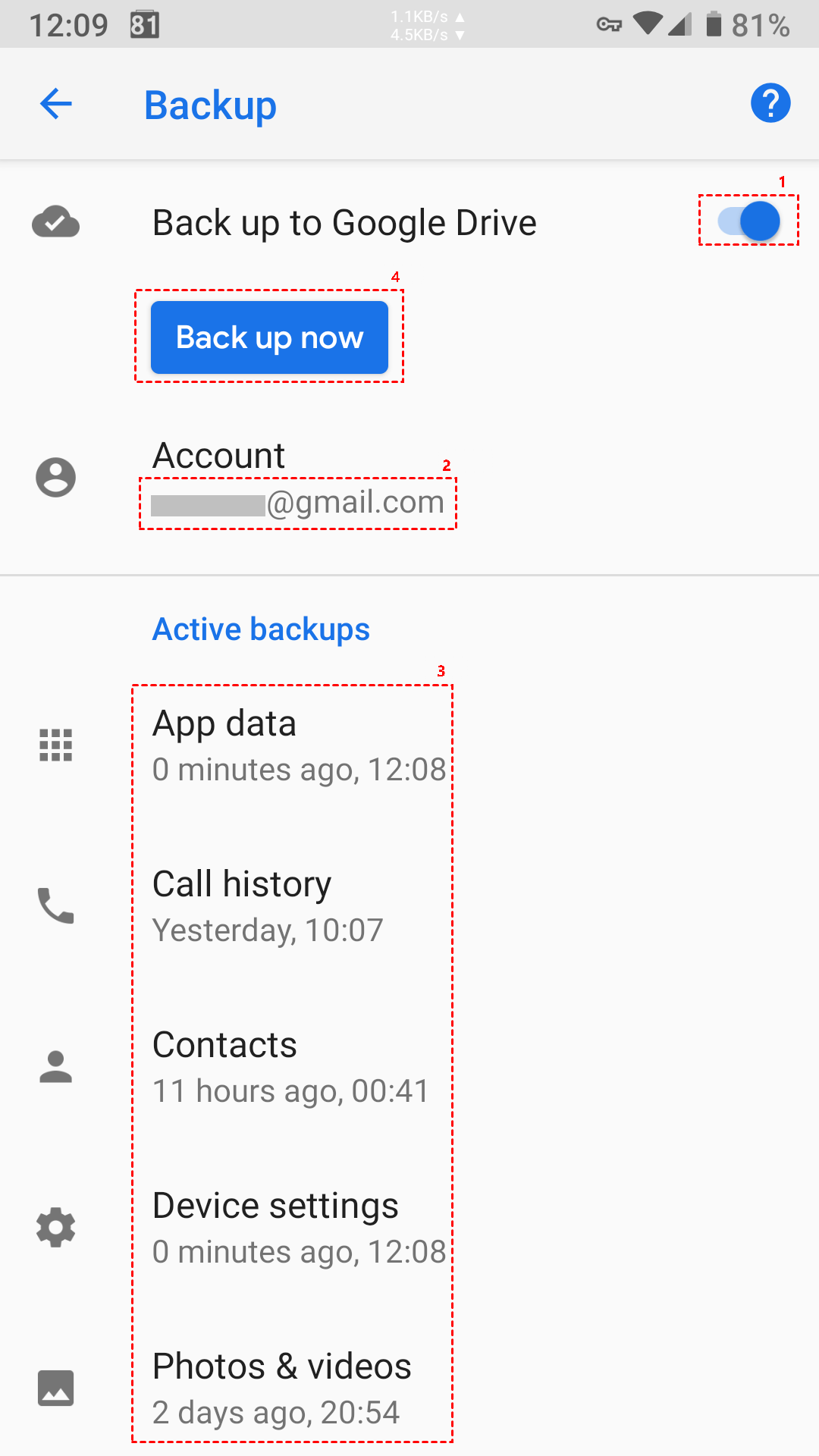
Android’s backup ecosystem has traditionally operated within two major categories. The first includes photos and videos, which are handled through Google Photos. The second covers device-level data such as app settings, call logs, SMS history, and certain configuration files. What has been missing is proper protection for files stored in the Downloads directory.
These downloaded files often include critical personal and professional documents. Items such as job applications, travel confirmations, event tickets, signed contracts, and installer files typically reside in the /Downloads folder. Until now, unless users manually uploaded them to Google Drive or another cloud service, they were not included in automatic backups.
With the new feature, Android introduces a dedicated backup toggle for the Downloads folder. Once enabled, the system automatically copies eligible files to Google Drive. This creates a stored version in the cloud, reducing the risk of permanent data loss.
How the Downloads Backup Will Work
The system does not function as a real-time synchronization tool. Instead, it creates static backup copies of files stored in the Downloads directory. That distinction is critical.
When a supported file is downloaded to your Android device, the system will upload a copy to Google Drive. However, if you later edit that file on your phone, those changes will not automatically update the version stored in Drive. Similarly, modifications made to the Drive version will not reflect back on the local copy stored on your device.
This approach is similar in concept to snapshot backups rather than continuous syncing services like Google Drive’s manual file sync on desktop computers. It serves primarily as a safety layer rather than a collaborative or live-editing solution.
What Types of Files Are Supported?
Based on early development builds and interface strings observed during testing, Google appears to be prioritizing document-style files. This likely includes formats such as:
- PDF documents
- Word processing files
- Spreadsheets
- Presentation files
- Text documents
It remains unclear whether all file types will qualify. Large media files, compressed archives, executable packages, or uncommon file formats may not be included. Google seems to be focusing on commonly downloaded document files that are frequently at risk of accidental deletion or device loss.
This selective approach also helps manage storage efficiency and prevents unnecessary cloud usage for files that may already be backed up elsewhere.
Why This Feature Matters
For many Android users, the Downloads folder acts as a temporary storage area. However, in practice, it often becomes a long-term archive for important materials. Unlike photos and videos, which are increasingly protected by default cloud backup systems, downloaded documents have remained vulnerable.
If a user resets their device, switches to a new phone, or experiences hardware failure, anything stored only in Downloads can disappear permanently. This is especially problematic for users who download sensitive work documents, educational materials, or time-sensitive travel confirmations.
By incorporating the Downloads folder into Google Drive backups, Android is closing a longstanding blind spot in its data protection strategy. It aligns with the broader shift toward automated cloud-based safety nets that require minimal user intervention.
Where the Feature Appears in Settings
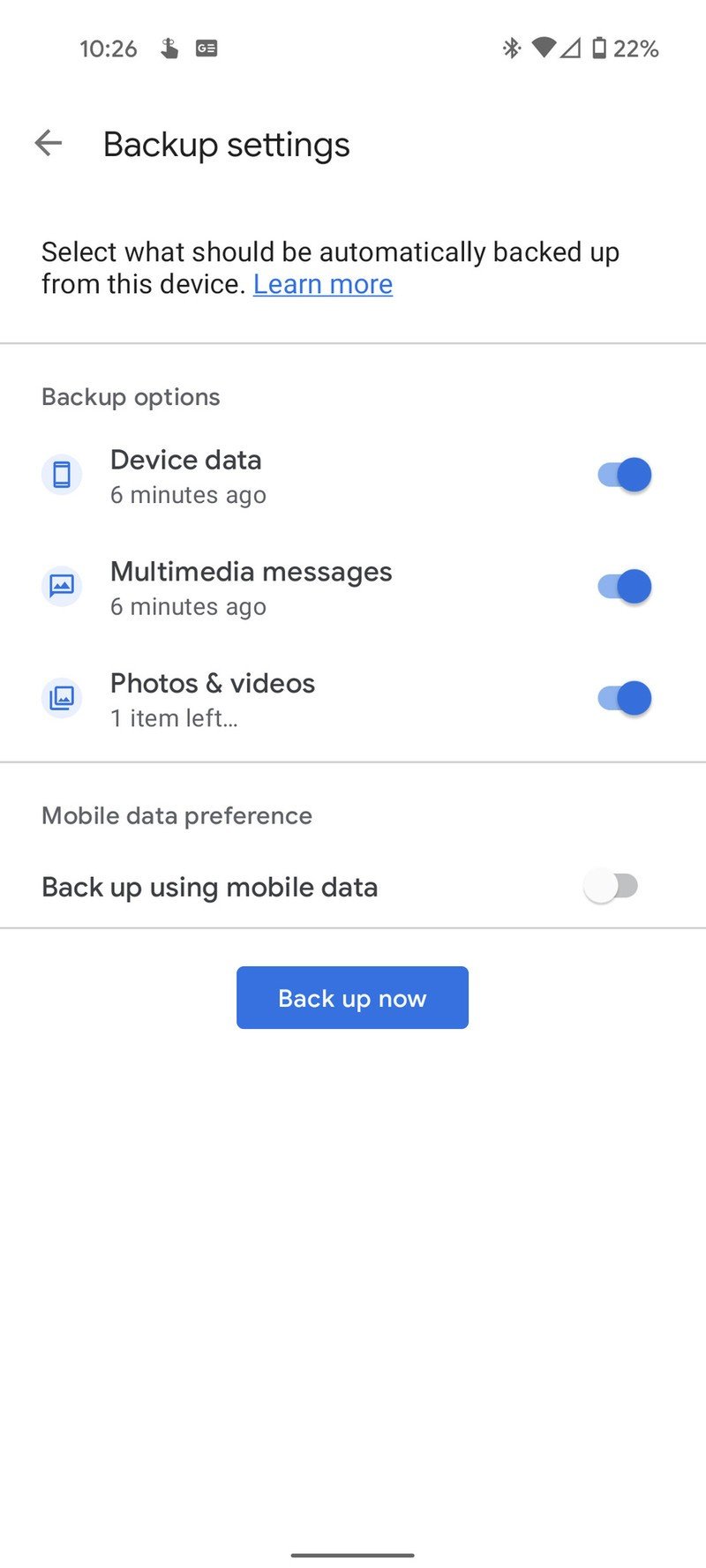
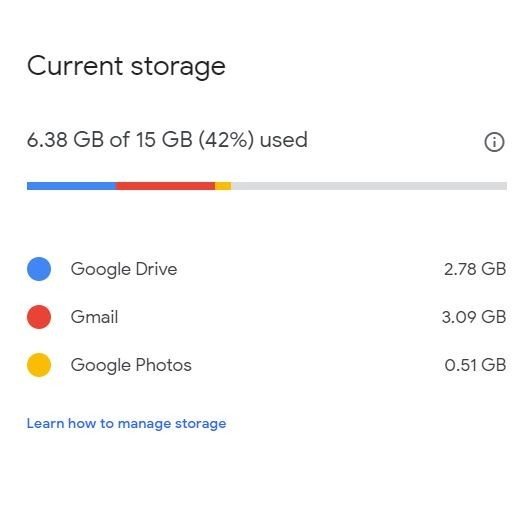
The feature is integrated within the Google Drive or Google One backup settings on Android devices. Users will find a dedicated option that references local file backup or Downloads backup. When activated, the system begins uploading eligible files to Drive storage.
As with other Google backup services, this feature relies on available cloud storage. Users with limited Drive space may need to monitor usage carefully, particularly if they frequently download large document files.
Because this is part of a Play System update rather than a full Android OS upgrade, it can be deployed independently of major Android version releases.
Rollout Timeline and Availability
Although Google has officially acknowledged the feature in the February Play System update notes, availability will not be immediate for everyone. Play System updates often rely on server-side activation, meaning the feature may appear gradually across devices and regions.
Google typically rolls out new capabilities in phases. This controlled deployment approach allows the company to monitor performance, identify bugs, and ensure system stability before wider distribution.
As a result, users should not expect the Downloads backup option to appear instantly. It may take weeks or even months before it becomes widely accessible.
How It Differs from Manual Drive Uploads
Before this update, users who wanted protection for downloaded files had to manually upload them to Google Drive. That process required opening the Drive app, selecting files, and initiating an upload.
The new system removes that manual step. Once enabled, backups occur automatically in the background. However, unlike manual uploads, users do not gain automatic synchronization or advanced file management features. The system is designed primarily for disaster recovery rather than day-to-day file editing workflows.
Key Limitations to Keep in Mind
While this update strengthens Android’s backup framework, it is not a complete replacement for cloud file syncing solutions. Important limitations include:
- No real-time file synchronization
- No automatic updating of edited files
- Possible file type restrictions
- Dependence on available Google Drive storage
- Gradual server-based rollout
Users who require collaborative editing or live cross-device syncing may still need dedicated cloud tools.
Google’s addition of automatic Downloads backup marks a notable expansion of Android’s data protection capabilities. By leveraging Google Drive to store copies of downloaded files, the company addresses a vulnerability that has persisted across Android versions for years.