With Windows 10 reaching its end of life soon, all eyes are on Windows 12 as Microsoft’s expected next step. When Microsoft stops free security updates for Windows 10, many users will face a choice. They can upgrade to Windows 11, switch to Linux, or wait for Windows 12. Therefore, this change marks a major shift in how people use PCs. Additionally, Microsoft is pushing a new, AI-based experience with the next Windows release.
The Windows 10 end of life means no more free security patches or official support. Although some businesses might pay for extended security updates, this isn’t a long-term solution for most users. Consequently, many will have to find other options soon. In this context, Windows 12 is seen as the next big step. It aims to deliver a modern OS that meets today’s technology demands.
Microsoft hasn’t officially announced Windows 12, but rumors and concept designs are spreading online. Most expect it to mix Artificial Intelligence (AI) with the classic Windows interface. As a result, the OS would become smarter and more adaptive. It could help with daily tasks, increase security, and boost productivity. A big part of Windows 12 will be AI features that personalize the experience and automate simple work. For instance, this might include smarter alerts, system upkeep done for you, helpful advice, and better security that reacts to threats.
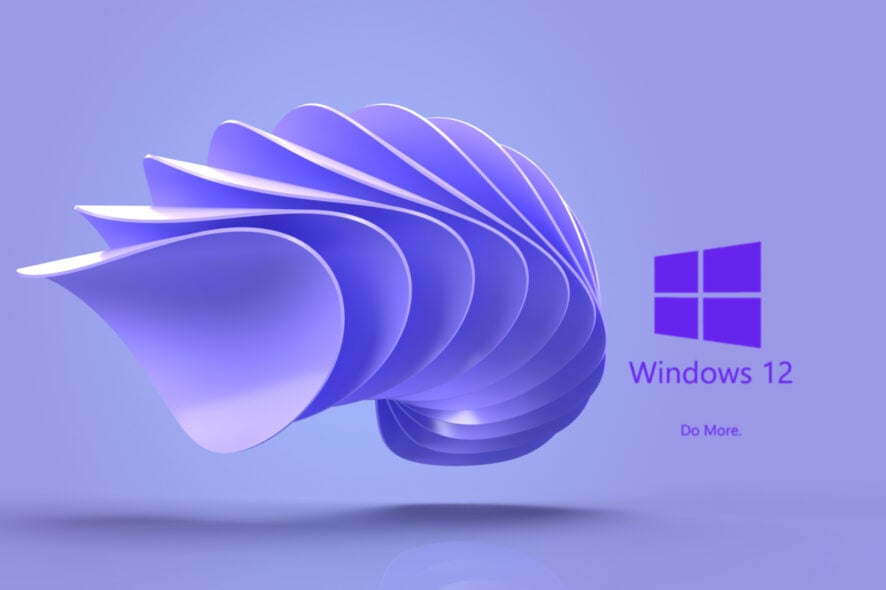
Concept designer Abdi (known as AR 4789) imagines Windows 12 with a sleek, futuristic look. What’s unique is an option to switch the theme to look like Windows 7. Thus, this blends old and new styles in one OS. It shows Microsoft could let users customize their desktops fully. Many users resist upgrading because of compatibility issues or the learning curve. However, Microsoft hopes Windows 12 will fix these problems with easier updates and better app support.
With Windows 10 ending, users must choose between Windows 11, Linux, or waiting for Windows 12. Each has pros and cons. For example, Windows 11 has strong AI features but requires newer hardware. Meanwhile, Linux is secure and flexible but can be complex for casual users. On the other hand, Windows 12 promises a modern yet familiar Windows feel, hopefully balancing ease and power.
As time runs out for Windows 10, change is inevitable. Microsoft’s vision for Windows 12 shows a clear focus on AI and improving user experience. Although details remain scarce, concept art and rumors suggest an exciting future for Windows.
Therefore, users should stay informed about Windows 12 developments. Whether they upgrade now to Windows 11 or wait, knowing what’s coming helps make smart, secure choices. Ultimately, preparing for the future means choosing the right OS for your needs today.