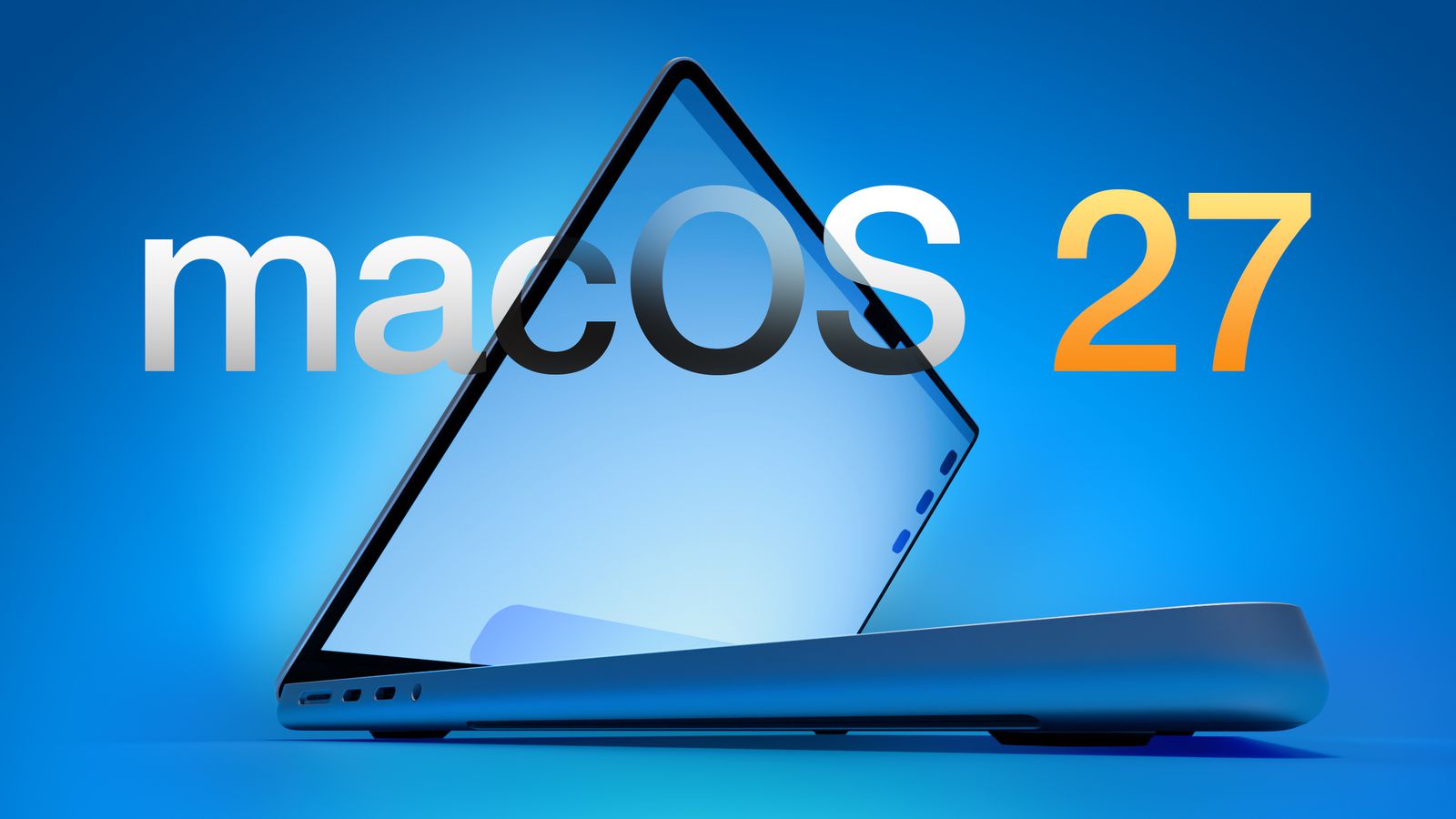
The shift to macOS 27 compatibility marks a major turning point in Apple’s software strategy, as the company prepares to end support for Intel-based Macs. With this upcoming release, only devices powered by Apple silicon will receive the update, reinforcing Apple’s transition to its in-house chip architecture.
This move follows several years of gradual change. Since introducing Apple silicon in 2020, Apple has steadily optimized its operating systems for its own processors. Now, the macOS 27 compatibility requirement makes that transition definitive, signaling a clear break from legacy hardware.
Users who want to install macOS 27 will need a Mac equipped with an M-series chip or newer hardware such as the MacBook Neo with an A18 Pro chip. Apple is expected to release a beta version in June, followed by a full public rollout in September. As a result, the timeline aligns with the company’s typical annual software release cycle.
The current macOS Tahoe release still supports a mix of Apple silicon and select Intel models. Compatible devices include newer MacBook Air and MacBook Pro models with Apple silicon, as well as certain Intel machines like the 16-inch MacBook Pro from 2019 and the 27-inch iMac from 2020. However, this backward compatibility will not extend to macOS 27.
Therefore, the new macOS 27 compatibility rules will leave several Intel-based devices behind. Models such as the 2019 MacBook Pro, the 2020 Intel iMac, and the Mac Pro from 2019 will no longer receive major operating system updates. While these devices may continue to function, they will miss future features and long-term software support.
This change reflects broader performance and efficiency goals. Apple silicon chips deliver higher speed, improved energy efficiency, and tighter integration between hardware and software. By focusing exclusively on these chips, Apple can streamline development and introduce more advanced features.
Moreover, the decision simplifies optimization. Supporting both Intel and Apple silicon architectures requires additional engineering resources. By narrowing the focus, Apple can accelerate innovation and reduce compatibility constraints. Consequently, macOS 27 compatibility becomes a key milestone in this transition.
Although Apple has not confirmed the full list of supported devices, industry expectations suggest that all Macs with an M1 chip or newer will qualify. This includes MacBook Air, MacBook Pro, Mac mini, iMac, and Mac Studio models released from 2020 onward.
For users with older Intel Macs, this shift presents a decision point. They can continue using their current devices with existing software, or they can upgrade to newer models to access future macOS versions. In many cases, performance improvements and extended support may justify the transition.
At the same time, Apple’s approach follows a familiar pattern. The company has historically phased out older technologies to maintain a streamlined ecosystem. Previous transitions, such as the move from PowerPC to Intel processors, followed a similar path.
The introduction of macOS 27 compatibility also highlights how quickly hardware cycles evolve. Devices that once represented top-tier performance now face obsolescence as new architectures emerge. This cycle reflects the pace of innovation in the technology sector.
Looking ahead, Apple’s exclusive focus on its own chips is likely to unlock new capabilities. Features such as advanced AI processing, improved battery life, and enhanced security may become more prominent in future updates. By aligning software closely with hardware, Apple can deliver a more integrated user experience.
Ultimately, the macOS 27 compatibility requirement underscores a clear strategic direction. Apple is fully committing to its silicon ecosystem, leaving Intel-based Macs as part of its legacy platform. For users, the transition signals both an end and a beginning, closing one chapter of Mac history while opening another driven by custom silicon innovation.