

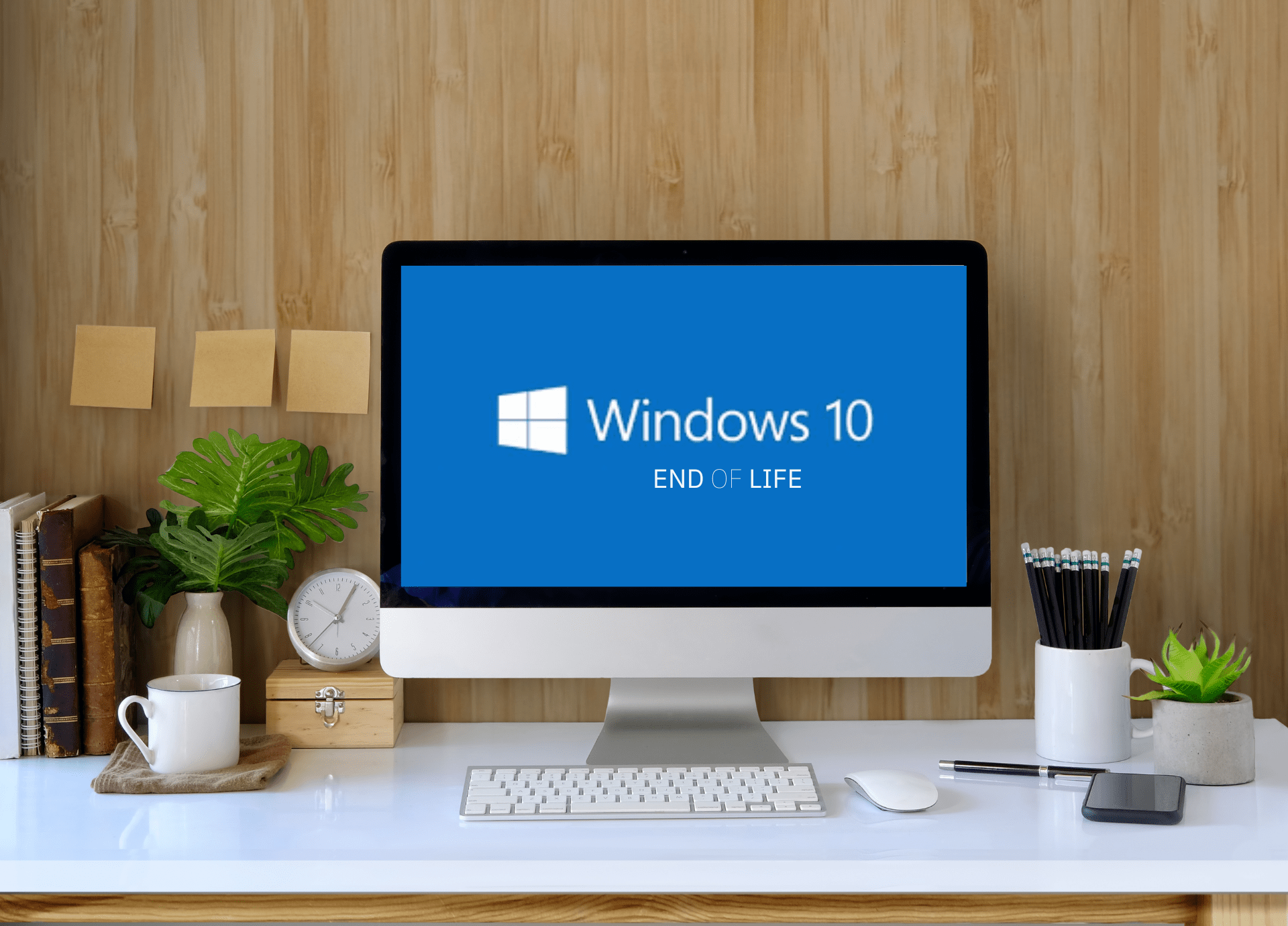
Microsoft will officially end support for Windows 10 on October 14, 2025. While your PC won’t immediately stop working, continuing to use Windows 10 after this date comes with growing risks. Users will no longer receive security updates or technical support, leaving systems vulnerable to malware, data breaches, and cyber attacks. Although Windows Security Defender will still receive anti-malware database updates, it cannot fully protect Windows 10 against newly discovered exploits.
Performance and Stability Concerns
Another critical Windows 10 risk is performance degradation. Without ongoing updates, systems may experience slower processing, unexpected crashes, and reduced efficiency. For professionals relying on stable performance for work, these issues can lead to lost productivity and wasted time. Legacy software may also fail to run optimally, causing operational disruptions.
Software Compatibility Issues
Beyond security and performance, Windows 10 users face software compatibility risks. Applications may cease to function, peripherals may lose driver support, and new software features could be unavailable. This can affect webcams, keyboards, printers, and other connected devices, potentially compromising workflow.
Mitigating Windows 10 Risks
Microsoft offers an Extended Security Updates (ESU) program, allowing users to receive critical updates until October 13, 2026. Enrollment costs $30 in the U.S., while European users can enroll for free. Although this temporarily delays the transition, upgrading to Windows 11 remains the safest long-term solution. Windows 11 offers a familiar interface for existing users while ensuring continued security, stability, and software compatibility.
For individuals and businesses alike, understanding these Windows 10 risks and planning a timely upgrade is essential to maintain productivity, safeguard data, and avoid future technical issues.







