Linux vs Windows is a debate many users overlook because Windows dominates the desktop market. Millions stick with it simply because it comes pre-installed on most machines. However, those who try Linux often discover features and freedoms that Windows cannot match.
Drivers highlight the first big difference. On Windows, installing Nvidia or AMD drivers often forces extra software that consumes memory and slows performance. Laptop makers add their own bulky updaters on top. In contrast, Linux keeps it simple. Drivers install through the kernel or a quick terminal command, and most work out of the box without extra baggage.
Updates show another clear advantage. Windows automatically pushes changes, forces restarts, and interrupts users at inconvenient times. Linux gives you control. You decide when to update, and most updates apply instantly without rebooting. Even when a restart is necessary, it happens quickly without the long wait Windows users endure.
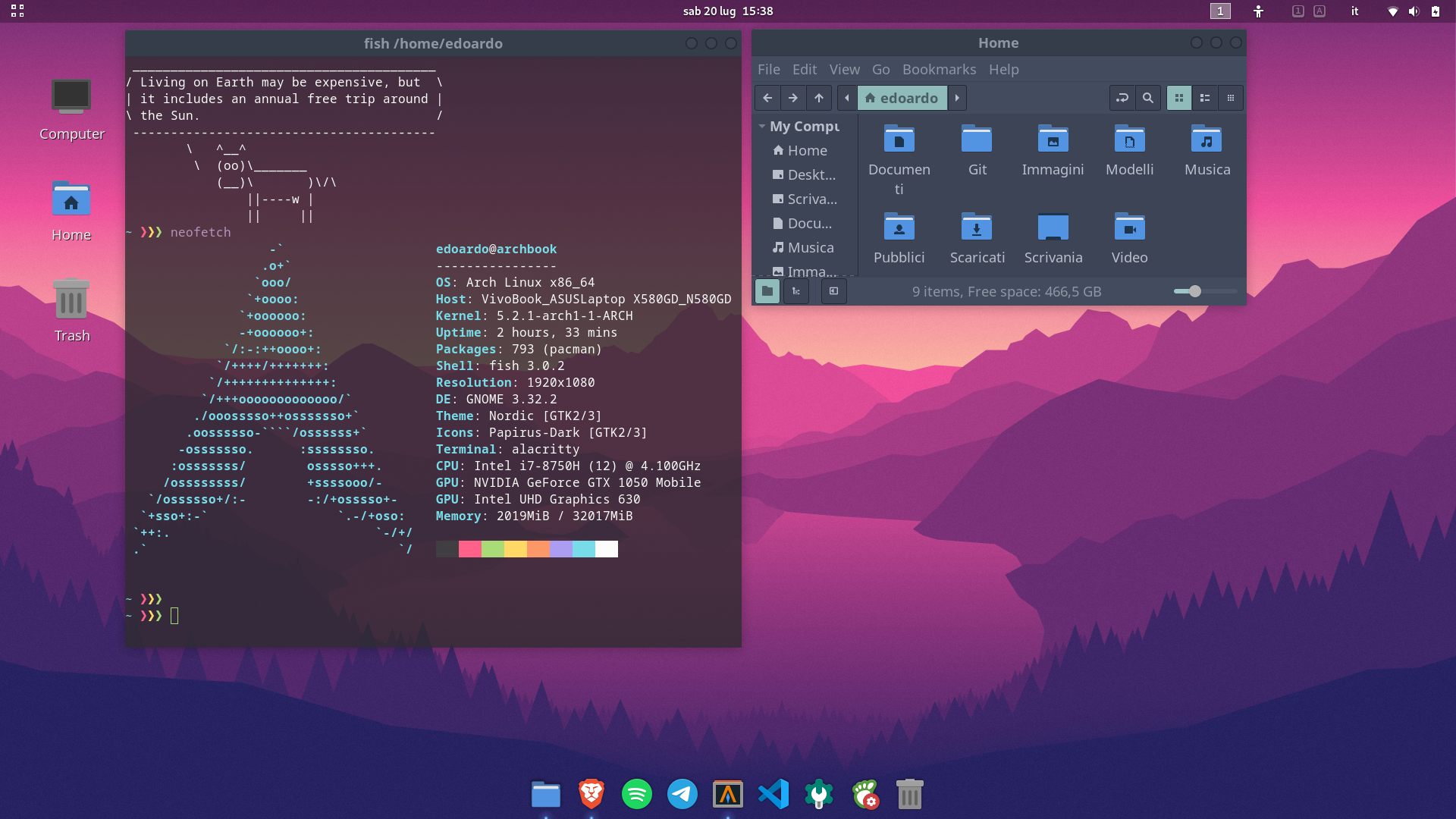
Customization sets Linux apart. Windows looks nearly the same for everyone, no matter the version. Linux gives you the power to choose from desktop environments like GNOME, KDE Plasma, or Cinnamon. Each one feels unique, and you can modify layouts, themes, icons, and extensions. Instead of accepting what Microsoft offers, you shape your own experience.
System recovery also works more smoothly on Linux. Windows restore points consume large chunks of storage and often feel unreliable. Linux tools like Timeshift create efficient snapshots that save only changes, minimizing space usage. If an update or tweak breaks your system, you can roll back in minutes and keep working.
Live booting shows Linux’s flexibility. You can run most distributions directly from a USB drive without installing them. This lets you test, troubleshoot, or even demo Linux for friends without touching the host computer’s data. Windows once offered Windows To Go, but it required large drives and constant driver updates. Linux remains light, portable, and ready to run.
Together, these features explain why Linux appeals to more users every year. It removes software bloat, respects your choices for updates, empowers you with deep customization, secures your system with easy recovery tools, and offers unmatched portability with live booting.
Switching might feel intimidating at first, but Linux rewards you with freedom and efficiency. For users who value control, flexibility, and stability, Linux proves that desktop computing can be both powerful and personal.